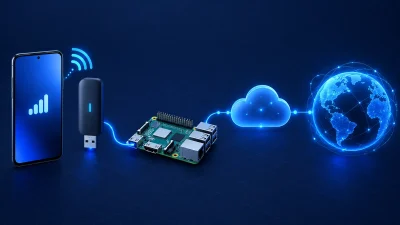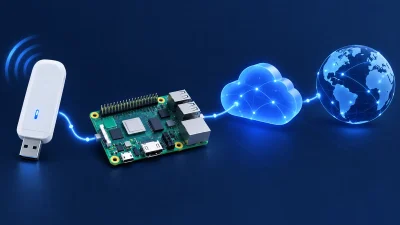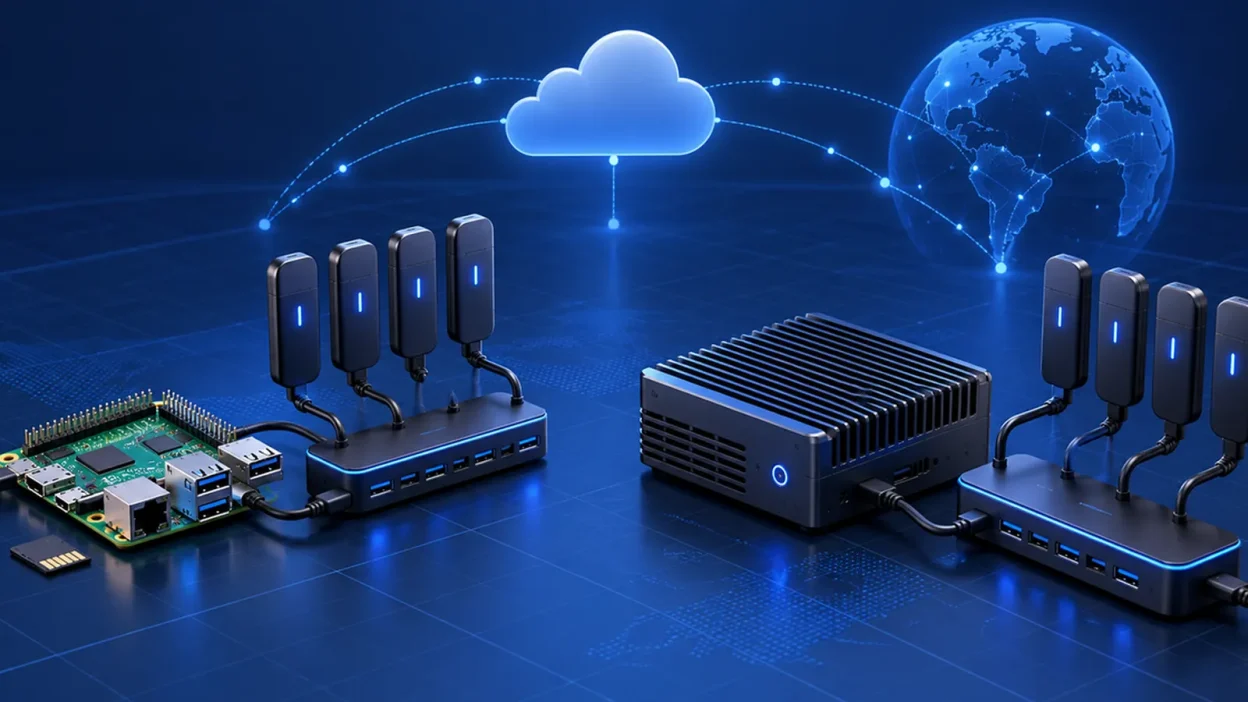
Raspberry Pi vs mini PC for proxy farm builds is mainly a question of USB power, storage, heat, and how many dongles you plan to run. For a first 4G farm, a Raspberry Pi 4 or Pi 5 with a proper powered hub is the practical pick; an Intel N100-class mini PC becomes more attractive when you need more headroom or want one box for several Linux services. ProxyKite runs on either host, so the hardware decision does not lock you into a different proxy platform.
Quick comparison
The host computer does not provide the mobile connection. You provide the Huawei E3372 HiLink dongles, SIM cards, data plans, Ethernet or Wi-Fi, and powered USB hardware. The host runs the local connector and sends traffic to ProxyKite’s cloud router; the public proxy endpoint does not require a static IP or an inbound port on your internet connection.
| Option | Best fit | Sensible starting plan | Power and storage | Proxy software cost |
|---|---|---|---|---|
| ProxyKite on Raspberry Pi or Linux mini PC | A managed 4G farm with rotation, authentication, SMS, quotas, and resale tools | Choose the host from your dongle count; use a powered hub | Outbound internet only; use reliable boot storage and separate hub power | $9 per dongle per month, with no per-GB charge |
| Raspberry Pi 4 | A small dedicated farm and a low-complexity Linux box | One board plus a powered hub; add dongles gradually | Four built-in USB ports, 1.2A total USB peripheral budget, microSD or USB storage | Software selected separately |
| Raspberry Pi 5 | A small farm where you want newer CPU and storage options | One board plus a 5A USB-C supply and powered hub | Four built-in USB ports; up to 1.6A for USB peripherals with a 5A supply; active cooling is useful | Software selected separately |
| Intel N100-class mini PC | A denser host, mixed workloads, or extra services | Verify the exact model’s USB ports and power adapter before buying hubs | x86 Linux, internal SSD in many models, and manufacturer-specific USB layout | Software selected separately |
The first row is the important one: ProxyKite keeps the recurring software cost tied to active dongles rather than data volume. The computer, hub, dongles, SIMs, and data plans remain your hardware and connectivity choices.
ProxyKite: the software layer for either host
ProxyKite is the best fit when you already own the dongles and want the host choice to stay flexible. The one-line installer supports a Raspberry Pi or Linux box, and the cloud router means the box only needs an outbound connection. You do not need a static IP or inbound port forwarding, including when the local connection is behind CGNAT.
Each active dongle can provide HTTP and SOCKS5 access with shared or split ports, user-and-password authentication, or IP allowlisting. The dashboard adds on-demand rotation, rotation links, timers from 60 seconds to 7 days, a sticky option, SIM inbox for carrier messagesing, daily/weekly/monthly bandwidth limits, live traffic insights, website allow/block rules, webhooks, Telegram alerts, a web terminal, and export formats for your applications.
That matters more than the CPU difference once you operate several modems. You can move from a Pi to an x86 mini PC, or divide the farm across both, without changing the proxy controls your users and applications call. For resale, sub-users, white-label controls, REST API access, and a flat per-dongle model are included in the same software layer. The licence is $9 per dongle per month; your SIM data plan remains separate.
What the box actually does in a proxy farm
A proxy-farm host has four jobs:
- Detect each USB modem and keep its data connection available.
- Run the local ProxyKite connector and maintain its outbound connection to the cloud router.
- Apply local operating-system, USB, and network settings without exhausting CPU, memory, or storage.
- Give you a stable place for logs, updates, monitoring, and optional automation.
The proxy traffic itself is usually not CPU-heavy compared with browser automation, media processing, or large databases. That is why a Pi can handle a useful small farm. The first limits you usually meet are physical: modem power draw, hub quality, heat around a crowded USB shelf, and storage reliability.
The right mental model is one host plus a power system, not “one computer port equals one proxy”. A four-port computer can connect to a powered hub, while a mini PC with more ports can still fail if its adapter or hub cannot supply enough current. Count usable, powered, independently stable dongle connections after the hub is included.
Raspberry Pi 4 and Pi 5: USB, power, and heat
Raspberry Pi 4
The Raspberry Pi 4 has two USB 3.0 ports and two USB 2.0 ports. Raspberry Pi’s documentation lists a 1.2A total USB peripheral budget for the Pi 4, shared across the ports. That is not a comfortable budget for a row of cellular dongles, so use a powered USB hub and treat the Pi’s own ports as the data path, not the farm’s power supply.
Pi 4 is a good fit when you want a compact, dedicated Linux host for a small number of dongles. It is also easy to keep separate from other workloads: install a 64-bit operating system, connect Ethernet, attach the powered hub, and reserve the board for the proxy service and basic monitoring.
Raspberry Pi 5
Pi 5 is the better Pi when you want more CPU headroom, faster storage options, or a host that may later run additional services. Raspberry Pi lists a recommended 5A supply and a 1.6A maximum total USB peripheral current with that supply. With a 3A supply, the downstream USB limit is restricted to 600mA.
That distinction matters in a modem farm. A Pi 5 with the wrong power supply can be faster on paper but less useful at the USB edge. Use a quality 27W USB-C supply, put modem power through an externally powered hub, and leave some margin instead of planning to the printed maximum.
Pi 5 also deserves more attention to cooling than a lightly loaded Pi 4. Add a case or active cooler that suits your enclosure, keep the dongles from blocking airflow, and do not stack warm equipment directly on top of each other. The purpose of cooling is steady operation during sustained traffic, not maximum benchmark numbers.
See the Raspberry Pi computer hardware documentation for the current USB power table and supply requirements. The figures above are host limits; they are not a promise that every modem draws the same amount of current.
Intel N100-class mini PCs: more headroom, more watts
An N100 mini PC is an x86 Linux computer built around Intel’s four-core, four-thread N100 processor. Intel’s N100 specifications list a 6W processor TDP and USB 2.0/3.2 support at the processor level. The finished mini PC is a product from a separate manufacturer, so its RAM, SSD, cooling, Ethernet, USB count, USB controller layout, and power adapter vary by model.
That variation is the key comparison point. Do not buy an “N100 mini PC” based only on the CPU name. Before ordering, check:
- the number and type of USB-A ports;
- whether the ports are split across more than one controller or just exposed through a hub;
- the included power adapter’s voltage and current;
- whether the machine supports the Linux distribution you plan to use;
- the SSD type and whether it can be replaced;
- the cooling path when USB dongles are connected around the chassis.
The mini PC wins when you need the host to do more than connect dongles. It gives you a familiar x86 Linux environment for extra dashboards, containers, browser-based QA, automation, or a larger log and metrics stack. It can also be easier to use with software that only publishes x86 packages.
It is not automatically the better proxy-farm host. A mini PC with four closely spaced ports still benefits from a powered hub, and a laptop-style power adapter does not replace a properly powered modem shelf. The exact box matters more than the N100 label.
Storage: SD card vs SSD
Storage is easy to overlook because the proxy service does not need a large disk. It does need reliable boot media, room for operating-system updates, and enough write endurance for logs and package changes.
The Pi 4 commonly starts from a microSD card. That is simple, but you should keep logs bounded, avoid writing noisy debug output forever, and keep a tested backup of the configuration. A quality card and a stable power supply matter more than buying a large card.
Pi 5 can boot from an NVMe SSD through an M.2 HAT+, according to Raspberry Pi’s documentation. An SSD is a good choice for a host that will retain more logs, run monitoring, or share the box with other services. It adds cost and another powered component, so it is not necessary for a small, dedicated proxy host.
An N100 mini PC commonly includes an internal SSD, but verify the actual listing. Some models have replaceable storage; others use a fixed or less accessible design. SSD storage is convenient, but it does not remove the need for backups or a clean shutdown process.
For either host, keep the proxy configuration export and your dongle inventory somewhere separate from the box. Storage choice protects the host; it does not replace operational backups.
Heat and physical layout
The busiest component in a small proxy farm may be the USB shelf rather than the CPU. Cellular dongles can become warm while transferring data, and tightly packed devices can block each other’s airflow. A good layout gives every modem space, routes USB cables without sharp bends, and keeps the hub’s power brick and the host’s power supply ventilated.
Use a short, labelled cable for each dongle and keep a written map of modem-to-port assignments. If you add a second hub, label the hub and its upstream connection. This turns a physical troubleshooting session into a repeatable check instead of a guessing exercise.
The Pi and mini PC should be placed where you can reach the power switch, Ethernet cable, and hub. Avoid hiding the whole assembly behind a metal cabinet or inside a closed drawer. Signal quality comes from the dongle’s antenna position and carrier conditions; a faster host cannot compensate for poor radio placement.
Price per dongle slot
The useful number is not the price of the bare board. It is the cost of a stable, powered slot in the complete farm:
cost per planned slot =
(host + storage + host PSU + powered hub(s) + cables) / planned dongle slots
Hardware prices change by country and by the exact Pi, mini PC, hub, and storage combination, so use the formula with your supplier’s current quote. Leave out the SIM and data plan only if you are calculating the host infrastructure separately; include them if you are calculating the full operating cost.
ProxyKite’s recurring software line is easier to model because it is flat per active dongle:
| Active dongles | ProxyKite software cost |
|---|---|
| 4 | $36 per month |
| 8 | $72 per month |
| 16 | $144 per month |
| 32 | $288 per month |
Those examples use $9 per dongle per month. There is no per-GB charge; traffic uses the data plan on your own SIM. Hardware, SIM, and data-plan costs are separate and should be measured against your actual site and carrier conditions.
The practical rule is to calculate with the number of slots you can power and cool reliably, not the maximum number of USB sockets printed on a product page. A slightly larger hub with spare capacity may produce a lower cost per stable slot than replacing an undersized hub later.
Our pick by farm size
One to eight dongles: Raspberry Pi 4 or Pi 5
Choose a Pi when this is a dedicated proxy box and your priority is a small physical footprint, a simple Linux setup, and controlled expansion. A Pi 4 is enough for the connector and ordinary monitoring. Choose Pi 5 if you want faster storage, more CPU margin, or a few additional services on the same host.
In both cases, start with a powered hub, Ethernet where possible, reliable storage, and a quality power supply. Do not plug a row of dongles directly into the board and assume the four ports represent four fully powered modem slots.
Eight to 16 dongles: whichever has the cleaner power design
At this size, the hub, cable layout, cooling, and electrical headroom matter more than the host benchmark. A Pi remains a sensible dedicated controller. An N100 mini PC is attractive if you already have one, prefer x86 Linux, or want the box to handle dashboards and other services.
Choose based on the exact USB and power specifications. If the mini PC has only a small number of ports, pair it with the same kind of externally powered hub you would use with the Pi. If the Pi will run additional workloads, give it SSD storage and active cooling rather than squeezing every service onto a basic SD-card build.
More than 16 dongles or a reseller fleet: design the farm as multiple hosts
For a growing fleet, multiple modest hosts are easier to place, power, replace, and troubleshoot than one crowded box. Split the dongles by hub and host, label each group, and keep the network layout predictable. A mini PC can be useful as a central operations host, while several Pi boxes act as dedicated modem controllers.
ProxyKite’s sub-users, white-label tools, quotas, REST API, webhooks, and cloud routing are designed for the software side of that expansion. For 50 or more dongles, ask about volume pricing and planning through Contact ProxyKite.
Installing ProxyKite on either host
The installation choice does not decide the host. ProxyKite provides a one-line installer for a Raspberry Pi or Linux box, so the same workflow applies to an ARM Pi and a compatible x86 mini PC:
- Install a supported 64-bit Linux system and update it.
- Connect the host to outbound internet, preferably with Ethernet.
- Attach the Huawei E3372 HiLink dongles through the powered hub.
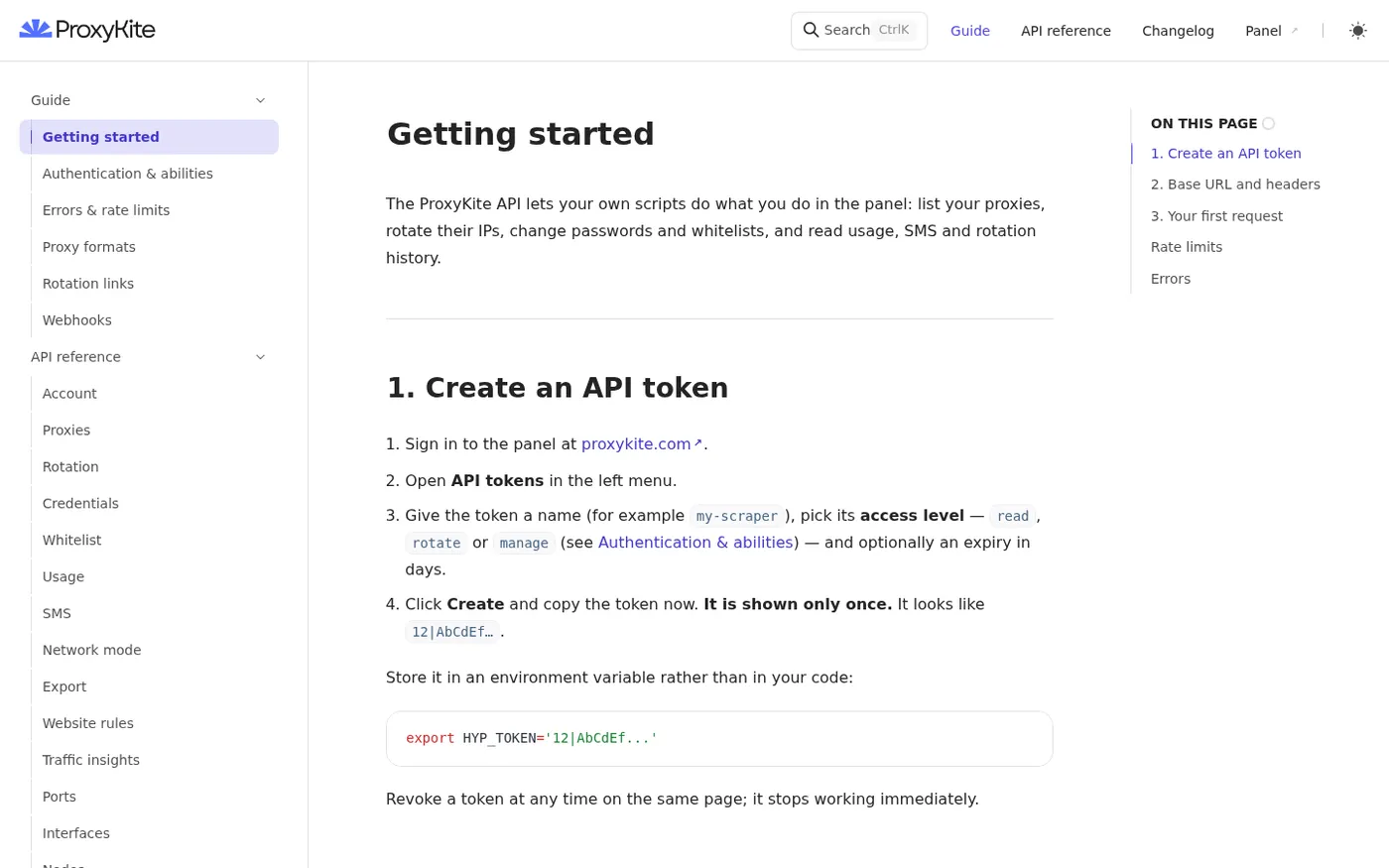
- Run the current installer from the ProxyKite getting-started guide.
- Confirm that each dongle is visible, then assign and test its proxy in the panel.
The success test is not “the installer finished”. It is that every intended modem appears, the host stays connected, and a test request through each assigned proxy returns the expected result. Use the proxy formats guide when you connect an application, and the rotation links guide when you add on-demand or timed rotation.
For a second perspective on the physical build, read How to Build Your Own Mobile Proxy with 4G and Raspberry Pi. It covers the dongle, SIM, hub, and Raspberry Pi parts that sit underneath the host comparison here.
How to choose without overbuying
Use this order:
- Count active dongles for the next expansion stage, not your long-term dream fleet.
- Select a powered hub and power supply that can support that count with margin.
- Decide whether the host is dedicated to proxies or must also run x86-only software, dashboards, containers, or automation.
- Choose Pi 4, Pi 5, or an exact mini PC model only after checking storage, cooling, USB layout, and Linux support.
- Divide the complete host-and-hub cost by planned slots, then add the $9 per dongle per month ProxyKite licence and your own connectivity costs.
For most first farms, the answer is a Raspberry Pi plus powered hub. For a denser, mixed-use host, choose a well-specified N100-class mini PC. In either case, a measured power budget and tidy physical layout will matter more than a headline CPU comparison.
FAQ
Is a Raspberry Pi powerful enough for a 4G proxy farm?
Yes, for a small dedicated farm when the dongles use an externally powered hub and the host has reliable storage and cooling. The main planning limit is usually USB power and physical layout, not proxy throughput. Add hosts as the modem shelf grows instead of assuming one board must run the entire fleet.
Is a mini PC better than a Raspberry Pi for mobile proxies?
An N100-class mini PC is better when you need x86 compatibility, more room for other services, or a single host with extra memory and SSD capacity. A Raspberry Pi is usually the simpler dedicated controller for a small farm. Compare the exact mini PC’s ports, power adapter, cooling, and Linux support rather than choosing from the CPU name alone.
How many 4G dongles can a Raspberry Pi run?
There is no safe universal number because modem power draw, hub design, cables, radio conditions, and workload differ. Pi 4 and Pi 5 expose four built-in USB ports, but Raspberry Pi documents a shared USB peripheral power budget, so use a powered hub and validate the complete setup. Plan from stable powered slots, not from the port count.
Do I need an SSD for a proxy farm host?
No. A dedicated small farm can run from a quality microSD card with bounded logs and a backup. An SSD is a sensible upgrade for Pi 5 or a mini PC when you retain more logs, run monitoring, or share the host with other services.
Does the host need a static IP or port forwarding?
No. ProxyKite uses an outbound connection from the box to its cloud router, so the host can work behind CGNAT without opening an inbound port. You still need a stable outbound internet connection and a data plan in each modem.