
A white label proxy panel lets you sell proxy access through your own brand while the software behind the service does the device and customer management. The important question is not whether a dashboard can show your logo; it is whether customers can find the underlying vendor in the panel, proxy endpoints, API output, or connection tools.
This guide gives you a practical checklist for evaluating a white-label setup, with special attention to a self-owned 4G/LTE fleet. You will see what the panel should control, what your customers should receive, and how to estimate the software cost before you commit to dozens of dongles.
What white-label means for proxies
In a white-label proxy business, your customer buys from your company, uses your brand, and receives support through your workflow. The underlying platform can still manage routing, authentication, device status, quotas, rotation, and provisioning, but those backend details should not replace your identity in the customer experience.
That makes white-label different from an affiliate link or a simple markup on someone else’s checkout. A reseller arrangement may give you a discount or an API while leaving the supplier’s name in the dashboard. A genuine white-label arrangement gives you control over the surfaces your customer uses.
Use this three-layer model when comparing providers:
| Layer | What your customer should experience | What you should verify |
|---|---|---|
| Brand | Your name, logo, colors, help path, and product language | Can the provider remove its own name from the customer-facing panel? |
| Proxy access | Your hostname or endpoint format and your credentials | Do hostnames, proxy binaries, exports, or error messages expose the vendor? |
| Operations | Your customer records, sub-users, quotas, expiry dates, and usage view | Can you manage customers without sharing one administrator login? |
White-label does not mean you stop owning the customer relationship. You still need acceptable-use rules, support processes, billing, and a clear explanation of what your service provides. For a mobile proxy business, you also need to know who supplies the physical hardware, SIM cards, and data plans. ProxyKite provides software and cloud routing; you bring and operate the dongles and SIMs.
Five places a vendor name can leak
Before you promise a fully branded service, test the complete path a buyer will take. Ask for a demo account or a sample export, then inspect these five surfaces.
1. The login page and customer panel
The obvious leak is a login page with someone else’s logo, title, favicon, or support email. Less obvious leaks include a footer credit, provider-specific menu names, or a browser title that identifies the platform.
Your panel should let customers understand their own service: which proxies are assigned, how much quota remains, when access expires, and how to reach you. A reseller administrator should be able to create or manage sub-users rather than handing every customer access to the main account.
ProxyKite’s reseller offering supports white-label branding with your logo and colors, plus sub-users with assigned proxies, bandwidth quotas, and expiry dates. That is the minimum operational layer for turning a fleet into several customer accounts.
2. Hostnames and connection details
A customer may never open the panel after receiving a connection string. They will still see the hostname in a browser extension, script, proxy manager, or support ticket. A provider-branded hostname can reveal the upstream platform immediately.
Check every format you plan to sell: host:port, user:pass@host:port, and CSV exports. Also check the hostname in rotation links, API responses, copied credentials, and error messages. The branded experience needs to continue after the customer leaves your dashboard.
ProxyKite’s large-fleet white-label feature is designed to keep its name out of customer-facing hostnames and the proxy binary. Confirm the exact hostname and domain arrangement for your deployment before you publish connection examples or build a storefront around them.
3. Installer, proxy binary, and terminal output
If your customers or staff install software on a Linux box, look at the installer output and the running process. Package names, service names, command help, logs, and terminal URLs can all expose the platform even when the web panel looks branded.
This matters especially for a self-owned mobile fleet. The box connects your Huawei E3372 HiLink dongles to the cloud router, so your operational team may use a web terminal or installation command. Keep the admin workflow documented for your team, but decide which parts are customer-facing before you call the service fully white-label.
4. API responses and exports
An API is often where resellers build their own checkout, customer portal, or provisioning flow. It should give your application the information it needs without forcing customers to visit an upstream dashboard.
At minimum, inspect the API documentation and a real response for proxy assignment, credentials, status, rotation, and usage. Look for provider names in JSON fields, URLs, error strings, and downloadable files. ProxyKite includes a REST API and export formats for common connection strings; its proxy API documentation is the right starting point for mapping your storefront to the panel.
If you sell SOCKS5 access, make sure your own documentation explains the protocol and authentication clearly. The IETF defines the SOCKS5 protocol in RFC 1928. Your customer should receive a usable connection recipe in your brand’s terminology, not a confusing mixture of two vendors’ names.
5. Billing, email, and support hand-offs
Branding can also leak through invoices, welcome emails, password-reset messages, documentation, and support forms. Ask who sends each message and which sender name appears in the customer’s inbox.
You do not necessarily need to rebuild every backend page. You do need to know which pages customers will see, which messages you must rewrite, and which support address they should use. A clean division is simple: you own the product promise and customer relationship; the platform powers the routing and management underneath.
Customer panel: logo, colors, and sub-users
A reseller panel is useful only when it matches how you sell. A single administrator view is enough for testing one dongle, but it becomes difficult to operate when customers need separate access, quotas, and expiry dates.
Look for four controls:
- Brand settings: your logo and colors appear on the customer-facing panel, with the vendor’s name removed from the surfaces covered by the white-label agreement.
- Sub-users: each customer can receive a separate login or account boundary instead of sharing your master credentials.
- Assignments: you can assign selected proxies or dongles to a customer and change the assignment without rebuilding the whole fleet.
- Limits: each customer can have a daily, weekly, or monthly bandwidth limit and an expiry date.
These controls turn hardware into a service catalogue. For example, you might allocate a set of 4G proxies to an agency, give that agency one sub-user, and set an account expiry for the end of its billing period. You can then repeat the pattern for another customer while keeping ownership of the main fleet account.
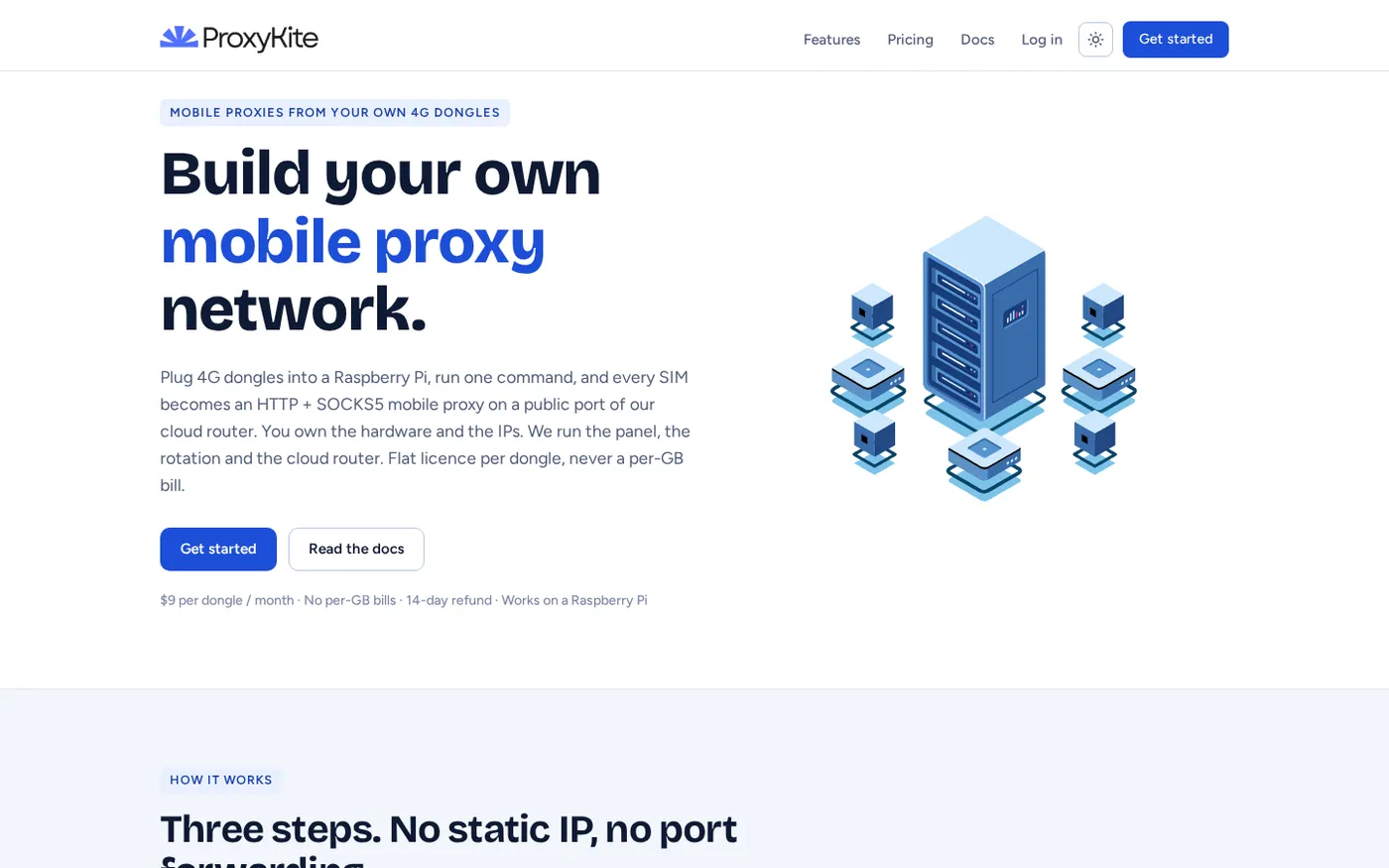
ProxyKite includes sub-users, assigned proxies, bandwidth quotas, expiry dates, and white-label branding in its reseller offering. The reseller overview shows the intended model, while the panel handles the operational records behind it.
API for your own storefront
The strongest reason to choose a white-label proxy panel is usually not the logo. It is the ability to make the panel one part of your product instead of the product your customers must learn.
With an API, your storefront can present your plans, collect your payment, create a customer record, assign access, and show connection details in your own interface. Your support team can keep the same workflow when the customer asks for a rotation link, a new credential, or a usage check.
Before integrating, write down the actions your storefront needs:
- Create a customer or sub-user.
- Assign one or more proxies or dongles.
- Set bandwidth limits and an expiry date.
- Return HTTP and SOCKS5 connection details in your chosen format.
- Trigger or expose IP rotation where your plan allows it.
- Read status and usage for support and account pages.
- Revoke or reassign access when a plan ends.
Then test each action with a non-production customer. Record the API response, the customer-visible URL, and the exact error shown when a field is missing. This catches branding leaks and workflow gaps before a buyer depends on your API.
ProxyKite includes a REST API, rotation controls, usage insights, and export formats such as host:port:user:pass, user:pass@host:port, and CSV. Its proxy formats guide can help you keep the connection strings consistent across your website and support replies.
The infrastructure boundary for a self-owned fleet
A white-label panel does not automatically mean that the provider owns the proxies. There are two different models:
| Model | What the platform supplies | What the reseller supplies |
|---|---|---|
| Hosted proxy inventory | The provider’s IPs, devices, traffic, and customer access | Brand, sales, and customer support |
| Self-owned mobile fleet | Software, cloud routing, panel, API, and customer management | Dongles, SIMs, data plans, power, and the Linux/Raspberry Pi box |
ProxyKite is built for the second model. The reference hardware is a Huawei E3372 HiLink dongle connected to a Raspberry Pi or Linux box, usually through a powered USB hub when the fleet grows. The box only needs outbound internet access; you do not need a static IP or inbound port forwarding, including when the local connection is behind CGNAT.
That boundary affects your business plan. You control the locations and SIMs you operate, while the panel gives you a way to expose those resources as HTTP and SOCKS5 access for your customers. You should describe the service accurately: ProxyKite is the software and cloud routing layer, not a seller of SIM cards, dongles, IPs, or mobile data.
Pricing for fleets of 50+
Fleet cost is easier to explain when it follows the resource you activate. ProxyKite’s standard licence is $9 per active dongle per month, with no per-GB charge; traffic uses the data plan on your own SIM. As a simple baseline, 50 active dongles would be $450 per month before discussing volume pricing.
For resellers operating 50 or more dongles, ProxyKite offers volume pricing on request. The large-fleet plan keeps the flat per-dongle model and adds the reseller controls: sub-users, assigned proxies, quotas, expiry dates, white-label branding, and planning help for boxes, powered hubs, and dongles.
This is a different calculation from buying a traffic pool and marking up each gigabyte. Your margin depends on your hardware, SIM/data costs, support time, the number of active dongles, and the price you set for your customers. A useful internal worksheet should include:
| Cost or revenue line | Example question |
|---|---|
| Software | How many active dongles are billed this month? |
| SIM and data | What does each mobile plan cost, and how much traffic does the customer use? |
| Hardware | What is the cost of the dongle, USB hub, Raspberry Pi/Linux box, and replacement stock? |
| Operations | How much time goes to setup, monitoring, support, and customer provisioning? |
| Revenue | What will you charge per proxy, account, quota, or service period? |
For the 50+ fleet offer, contact ProxyKite for a quote and planning discussion. The contact page is the correct route for volume pricing; do not promise a discount until it is confirmed for your fleet.
White-label proxy panel buying checklist
Use these questions during a vendor demo or technical review:
- Can the customer-facing panel use my logo and colors?
- Does the provider name appear in hostnames, proxy binaries, installer output, or exports?
- Can I create sub-users with separate proxy assignments?
- Can I set bandwidth limits and expiry dates per customer?
- Is there a documented API for provisioning, rotation, usage, and revocation?
- Can my storefront show HTTP and SOCKS5 credentials in my own format?
- Who supplies the devices, SIMs, data plans, and IPs, and what exactly am I buying?
- How is the cost calculated as the fleet grows: per dongle, per port, per gigabyte, or a mixture?
- Which emails, invoices, support pages, and error messages are sent under my brand?
- Can I test the full customer journey before I announce the service?
The last question is the one most demos skip. Create a test customer, assign access, download the connection details, rotate an IP, check a quota, and let the account expire. A white-label promise should survive that complete journey, not just a polished screenshot of the settings page.
FAQ
What is a white label proxy panel?
A white label proxy panel is software that lets a reseller manage and sell proxy access under the reseller’s own brand. A complete setup covers more than a logo: check the panel, hostnames, proxy binaries, API responses, exports, and customer communications.
Does white-label proxy software include the proxy IPs?
Not always. Some platforms resell their own hosted inventory, while others provide software and routing for a fleet you own. ProxyKite’s model is software plus cloud routing for customer-owned dongles, SIMs, data plans, and IPs.
Can I give each proxy customer a separate login?
Yes, if the panel supports sub-users and customer-level assignments. ProxyKite’s reseller offering includes sub-users, assigned proxies, bandwidth quotas, and expiry dates so you can separate customer access from the main fleet account.
Does a white label proxy panel need an API?
An API is not required for a small manual operation, but it becomes valuable when your own storefront should provision accounts, return credentials, show usage, or trigger rotation. ProxyKite includes a REST API for integrating those workflows with your customer-facing product.
How much does ProxyKite cost for a large proxy fleet?
The standard licence is $9 per active dongle per month, with no per-GB charge. Fleets of 50 or more dongles can request volume pricing through ProxyKite’s contact page.