
Prevent proxy abuse before the first customer receives a port by combining a clear policy, accountable access, traffic controls, and a response process. This guide gives proxy resellers a practical checklist for reducing spam, scanning, credential attacks, and other activity that can damage their SIMs, IP reputation, and upstream relationships.
The goal is not to inspect every request or make vague promises about “safe” traffic. It is to make legitimate use easy, make misuse traceable, and give you a repeatable way to act when a complaint arrives.
What you need
Before you sell a proxy, prepare these six pieces:
| Control | Minimum setup | Why it matters |
|---|---|---|
| Acceptable-use policy | A short policy that customers accept before access | Gives you a clear, shared definition of prohibited use |
| Customer record | A verified contact, business or personal identity, intended use, and billing record | Lets you connect a port to a real customer |
| Authentication | Unique credentials or a restricted IP whitelist for each customer or sub-user | Prevents a shared password from becoming an anonymous public proxy |
| Destination controls | Port restrictions and a small set of domain rules | Blocks high-risk traffic before it reaches a mobile exit |
| Usage limits | Daily, weekly, or monthly bandwidth caps with alerts | Makes unusual consumption visible and limits the blast radius |
| Complaint process | An abuse mailbox, evidence template, and escalation path | Helps you respond consistently instead of improvising under pressure |
If you are still building the hardware layer, start with the guide to building your own mobile proxy. Prove one dongle and one customer-facing endpoint first, then copy the same controls to every new device.
Step 1: Define what abuse looks like
Why this matters: “abuse” is too broad to enforce unless your team and customers can recognise it.
Start by separating normal, authorised work from activity that creates a clear security, legal, or reputation risk. Legitimate examples can include managing your own or a client’s social accounts, checking ads in approved regions, monitoring public prices, and testing a website you own or are authorised to test.
Your prohibited-use list should cover, in plain language:
- Spam, unsolicited bulk email, and attempts to operate an open mail relay.
- Phishing, malware delivery, credential theft, account takeover, or fraud.
- Brute force, credential stuffing, unauthorised scanning, exploitation, or intrusion attempts.
- Denial-of-service traffic, traffic floods, or activity intended to degrade a third-party system.
- Bypassing a service’s security controls, bans, rate limits, or access restrictions.
- Activity that violates the carrier’s terms, your upstream provider’s rules, or applicable law.
Keep the list focused on conduct, not on a vague promise to approve every website. You can add an approval process for unusual but legitimate research or testing, provided the customer can show authorisation from the target owner.
Success looks like a customer reading your policy and being able to answer two questions: “Is my intended use allowed?” and “What happens if you receive a credible complaint?” Link the policy from your order flow and include it in your service terms.
Step 2: Make customers accountable before issuing ports
Why this matters: authentication tells you which credential was used; customer intake tells you who controls that credential.
Use a KYC-style intake appropriate to your market and risk. It does not need to be a complicated financial-services process. For a small reseller, a useful baseline is:
- Record the customer’s name or registered business name.
- Verify an email address and at least one practical support contact.
- Ask what they will do with the proxies, which countries or regions they need, and whether they will resell access.
- Record the customer’s billing identity and the ports, sub-users, or proxy count assigned to them.
- Require explicit acceptance of the acceptable-use policy.
- Review high-volume, unusual, or resale requests before enabling them.
Collect only information you can protect and retain for a stated operational reason. Do not ask for sensitive identity documents by email or store them casually. Your local privacy and data-protection obligations still apply; the practical point is to avoid anonymous, unlimited access to a network you operate.
Give every customer a distinct credential. For a reseller fleet, create separate sub-users when possible instead of handing one shared password to an entire team. If a credential appears in a complaint, you should be able to disable that credential without taking every honest customer offline.
Success looks like a spreadsheet or panel record that maps customer → sub-user → proxy or port → limits → contact. Keep the mapping current when a customer changes a port or adds an operator.
Step 3: Block port 25 and risky destinations by default
Why this matters: some traffic types create disproportionate abuse and reputation risk, so stopping them at the proxy layer is cheaper than investigating a carrier complaint later.
Block outbound TCP port 25 by default. Port 25 is associated with server-to-server SMTP delivery and is a common path for unsolicited mail when it is exposed without strong accountability. RFC 5068 describes outbound port-25 blocking as one technique used by providers and emphasises authenticated, accountable submission practices; it does not require every operator to use the same policy. Read the IETF guidance on email submission and accountability when you document your rule.
Do not quietly create exceptions. If a customer has a legitimate mail requirement, ask them to explain the architecture, the authorised mail service, and the reason the proxy must be involved. An exception should be narrow, tied to a named customer, and reviewed separately from ordinary web-proxy access.
Add domain rules for destinations that are clearly outside your acceptable use policy. Depending on your risk model, that can include known phishing or malware infrastructure, command-and-control destinations, and services involved in unauthorised access. A domain block is a backstop, not a substitute for customer checks: domains change, and a single blocklist cannot understand intent.
Success looks like a new proxy having port 25 blocked and your initial domain rules applied before you export its credentials. Document who can approve an exception and who can remove a rule after a false positive.
Step 4: Set bandwidth caps and watch for odd patterns
Why this matters: a hard limit protects the SIM and gives you a measurable signal when usage changes suddenly.
Set a limit for each customer or sub-user before you hand over access. Choose the period that matches how you sell: daily limits for small accounts, weekly limits for campaign work, or monthly limits for a managed customer. Start with a conservative limit and raise it after the customer demonstrates normal use.
Watch for changes rather than searching for one magic abuse number. Useful signals include:
- A sharp jump in traffic compared with the customer’s own baseline.
- Many destinations or connection attempts in a short period.
- Repeated authentication failures or rapid credential changes.
- A new use case that does not match the customer’s intake record.
- Traffic continuing after the customer says a job has finished.
An alert should create a review task, not an automatic accusation. Check the customer, sub-user, proxy, time window, destination pattern, and any support conversation together. If the traffic is clearly outside policy, pause the affected credential and contact the customer. If it is legitimate, record why so the next alert has context.
Success looks like a limit on every active account, an alert route that reaches a human, and a weekly review of the highest-usage customers. ProxyKite supports bandwidth limits by day, week, or month, live traffic insights, and webhooks or Telegram alerts for this operating model.
Step 5: Keep enough logs to answer a complaint
Why this matters: a complaint usually gives you a destination and a time, not your internal customer ID.
Define the minimum operational record you need to investigate. For each customer-facing connection, aim to associate:
| Record | Example use |
|---|---|
| Proxy or port identifier | Find which mobile exit was involved |
| Customer and sub-user | Identify the responsible account without guessing |
| Time window and timezone | Match an external complaint to your traffic records |
| Authentication or access event | Confirm which credential was used |
| Destination metadata | Check whether the activity matches the customer’s stated use |
| Action taken | Show when access was limited, restored, or closed |
Avoid collecting full request contents when metadata is enough. Protect logs like account data, restrict staff access, set a retention period, and delete records when you no longer need them for operations or a live dispute. Tell customers in your privacy notice what operational records you keep and why.
Your abuse address should be monitored. RFC 2142 identifies abuse@domain as a well-known mailbox convention for contacting an organisation about abuse; see the RFC 2142 mailbox guidance. You can route that address to your support system, but do not publish an inbox that nobody checks.
Success looks like an external report with an IP, port, and timestamp being traceable to one customer or a small set of candidates within minutes.
Step 6: Handle an abuse complaint in a fixed order
Why this matters: a calm, repeatable response protects your network and avoids punishing unrelated customers.
Use this sequence when a credible report arrives:
- Record the report. Save the sender, received time, reported IP or port, destination, timestamps, evidence, and requested action. Treat links and attachments as untrusted.
- Check the match. Convert the reported time to your log timezone and match the destination, proxy, port, and customer record. Do not rely on the IP alone if it is shared by several services.
- Assess severity. Phishing, malware, credential theft, attacks, and continuing bulk abuse need urgent restriction. A mistaken block or a vague complaint may need clarification first.
- Contain the affected access. Disable the specific credential, sub-user, port, or destination rule involved. Avoid taking the whole fleet offline when the evidence points to one account.
- Contact the customer. State the reported behaviour, time window, policy section, and action taken. Ask for a written explanation and remediation details without forwarding sensitive third-party information unnecessarily.
- Escalate when needed. For serious or ongoing abuse, keep the restriction in place while you review the account and upstream requirements. Follow your legal and carrier obligations for valid requests.
- Close the loop. Reply to the reporter when appropriate, record the result, and update your rule, intake question, or limit if the incident exposed a gap.
Do not promise that every report will be accepted as fact, and do not ignore reports because the customer says the traffic was automated. Automation can be legitimate, but the customer remains responsible for showing authorisation and staying within your policy.
Success looks like a ticket with evidence, a named decision, a containment action, and a follow-up note. You should be able to explain why access was restored, permanently restricted, or escalated.
Step 7: Apply the controls in ProxyKite
Why this matters: abuse prevention works better when the controls live next to the proxies, users, and traffic data you already manage.
ProxyKite is software and cloud routing for your own 4G/LTE dongles and SIMs. For resellers, the useful control set includes:
- Sub-users with assigned proxies, bandwidth quotas, and expiry dates.
- White-label options for a customer-facing reseller operation.
- HTTP and SOCKS5 access with user-and-password or IP-whitelist authentication.
- Website allow/block rules for destination control.
- Bandwidth limits by day, week, or month.
- Live traffic insights, webhooks, and Telegram alerts.
- SIM inbox for carrier messages, exports, and a REST API for connecting your own onboarding or support workflow.
- Port 25 blocked by default.
Use the panel to create the account boundary, then keep the policy and complaint process in your own business workflow. ProxyKite does not replace your customer review or your responsibility as a reseller; it gives you the controls needed to apply them consistently.
The reseller section shows the intended operating model: your own dongles and IPs, a cloud-routed endpoint, and customer-facing management around the fleet.
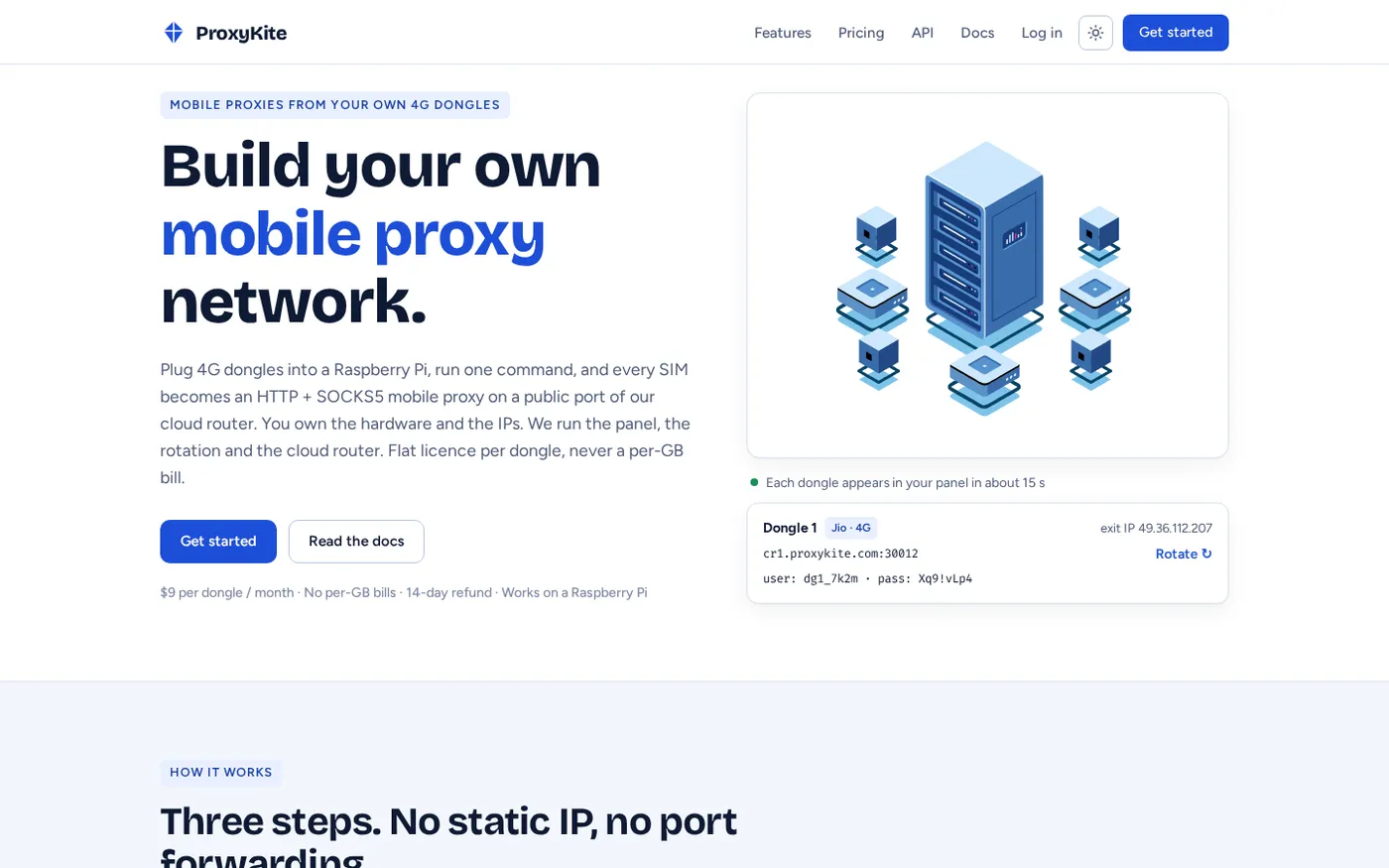
For a smaller build, the standard licence is $9 per dongle per month with no per-GB charge because traffic uses your own SIM data plan. If you operate 50 or more dongles, contact ProxyKite about volume pricing. Review the features and reseller details before you design your onboarding flow.
Verify the network before launch
Run this checklist on one test customer and one test dongle before you invite a wider reseller audience:
- The customer has accepted the acceptable-use policy and has a verified support contact.
- The customer’s proxy, sub-user, credential, and limits are mapped in your records.
- Port 25 is blocked and the intended domain rules are active.
- An authenticated HTTP request and an authenticated SOCKS5 request work from an authorised client.
- The bandwidth limit is visible and an alert reaches the correct operator.
- A test complaint can be matched to the customer, port, and time window.
- You can disable one credential without affecting another customer.
- Your abuse mailbox, privacy notice, and escalation contacts are published and monitored.
Repeat the test whenever you change the authentication model, add a sub-user workflow, or move a fleet to a new cloud-router arrangement. A proxy that works technically is not ready for resale until you can also control and investigate it.
Troubleshooting
A customer says a legitimate site is blocked
Check the exact domain, time, proxy, and rule that matched. If the use is authorised and the destination is safe, narrow or remove the rule for that customer rather than weakening the policy for the whole fleet.
Traffic is high but the customer says it is normal
Compare the traffic with the customer’s stated workflow, campaign schedule, destinations, and sub-user assignment. Ask for evidence of authorisation where the work involves testing or automation. Keep the cap in place while you review instead of treating a high bill or high volume as proof of abuse.
You received a complaint but cannot identify the customer
Check timezone conversion, port reuse, shared credentials, and gaps in rotation records. If several users share one credential, replace it with separate sub-users and record the mapping before restoring access.
Alerts are too noisy
Start with fewer, more meaningful thresholds: a sudden change from the account’s baseline, a limit nearing exhaustion, or a destination pattern outside the intake record. Review false positives weekly and tune the rule or the customer’s documented use case.
One report names an IP but not a port
Use the timestamp, mobile exit record, rotation history, and customer assignment together. If the IP was shared across several proxies, contain only the accounts that match the available evidence and ask the reporter for the missing port or request details.
FAQ
What should a proxy acceptable-use policy include?
It should define permitted work, prohibited activity, customer responsibility, monitoring and logging boundaries, complaint handling, and the actions you may take when a rule is broken. Keep it short enough that every customer can read it before receiving access, and link it from your service terms.
Is KYC mandatory for every proxy reseller?
There is no single universal checklist for every reseller or country. Customer verification is a practical risk control; choose the information you can lawfully collect, protect, and use to investigate abuse, and get local advice for obligations that apply to your business.
Why do proxy networks block port 25?
Unauthenticated outbound SMTP can be used for bulk unsolicited mail and can damage the reputation of the mobile exit. Blocking port 25 by default removes a high-risk path while leaving you to review any narrowly justified exception separately.
How should I respond to a proxy abuse complaint?
Record the evidence, match the time and port to a customer, assess severity, contain the affected access, contact the customer, and document the final action. Keep the response specific to the account involved and reply to the reporter when appropriate.
Can ProxyKite prevent all abuse automatically?
No tool can determine intent perfectly. ProxyKite gives resellers controls such as sub-users, quotas, website rules, live traffic insights, alerts, and default port-25 blocking; you still need a customer policy, accountable onboarding, and a human complaint process.