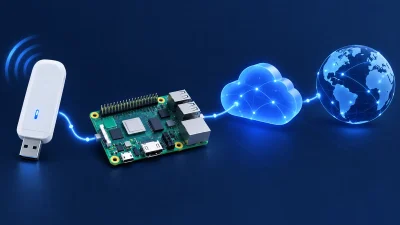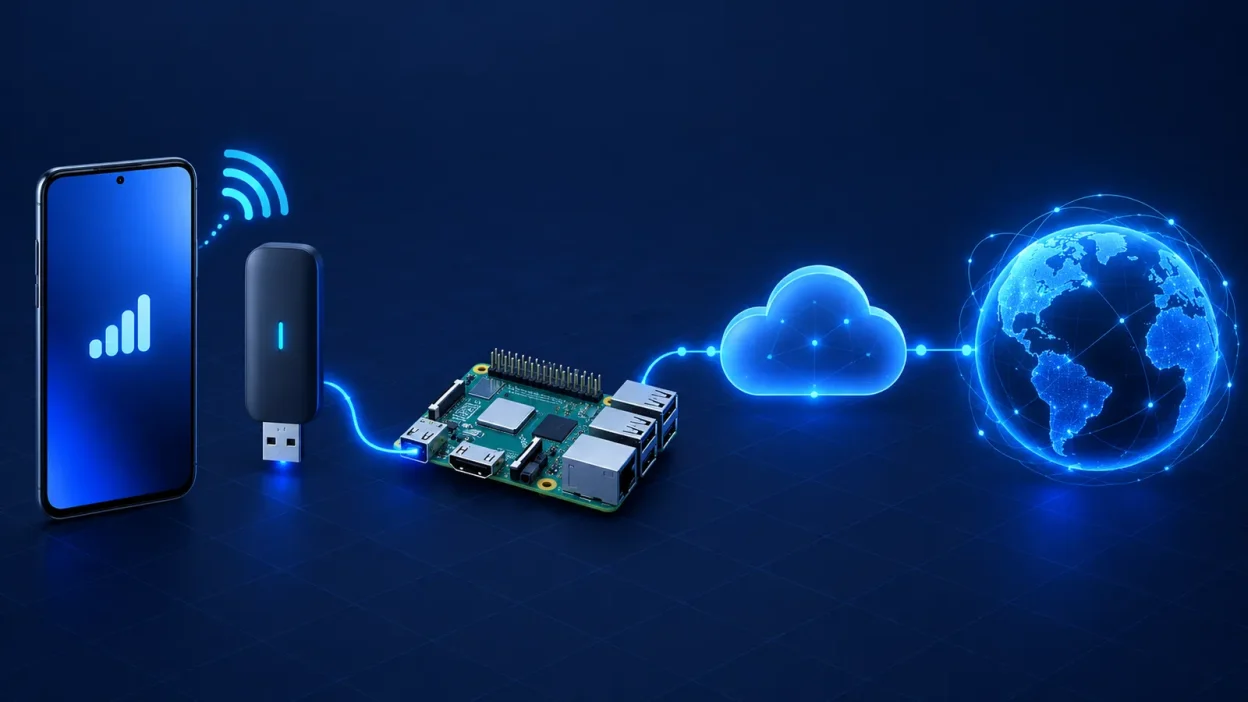
Android phone vs 4g dongle for mobile proxy is a practical choice between a general-purpose device and a dedicated modem. For one experimental proxy, an old Android phone can be convenient; for a farm that should stay easy to power, monitor and scale, a Huawei E3372 HiLink dongle on a Raspberry Pi is the cleaner foundation.
Quick verdict: ProxyKite is the winner
ProxyKite with Huawei E3372 HiLink dongles is the winner for a mobile proxy farm. Both devices can put a SIM-backed cellular connection behind a proxy service, but the difference is everything around the modem: a phone also has a battery, display, operating system, apps, charging logic and manufacturer-specific background controls. A dongle is a small USB modem whose main job is to provide mobile data to the host computer.
For a single proof of concept, use an Android phone if you already own one and the proxy software supports that exact model. For several slots, start with HiLink dongles and a powered USB hub. You get a repeatable physical layout, fewer moving parts per slot and a host that can manage the fleet.
| Option | Best fit | Main operating cost | Maintenance profile | Farm verdict |
|---|---|---|---|---|
| ProxyKite with Huawei E3372 HiLink + Raspberry Pi | Operators building one to hundreds of dongle-based mobile proxies | $9 per dongle per month; your own SIM data plan remains the traffic connection | Central Linux host, USB power, cloud routing and one dashboard | Winner |
| Dedicated Android phone | A spare phone, a small test, or a workflow that needs phone-level behavior | The phone, charger and your own SIM data plan; software cost depends on the tool you choose | Battery health, Android updates, app permissions, heat and model-specific settings | Good for a narrow use case |
The table is about operating a proxy node, not buying mobile traffic. ProxyKite supplies software and cloud routing; you provide the dongles, SIM cards, data plans, USB power and the Linux box. There is no per-GB ProxyKite charge because the traffic uses your own SIM data plan.
Two ways to build mobile proxies
An Android phone combines the cellular modem and the computer that runs the proxy app. You install the app, insert a SIM, keep mobile data enabled and expose the phone’s connection through the service’s control plane. That can reduce the amount of separate hardware on your desk.
A dongle separates those jobs. The E3372 is the cellular modem; the Raspberry Pi or Linux box supplies the operating environment; the proxy platform handles authentication, ports, rotation and monitoring. Huawei lists the E3372 with a USB interface, two external-antenna connectors and theoretical LTE Category 4 rates of up to 150 Mbps down and 50 Mbps up. Those are device specifications, not a promise about the speed or IP behavior of your carrier connection. See the manufacturer’s E3372 specifications for the hardware reference.
That separation matters when you want ten similar slots. You can mount the Pi, powered hub and dongles as one system, label each SIM and replace one modem without reconfiguring a full phone. The host also gives you one place to run checks and keep your proxy exports in a consistent format.
Cost per slot: compare the whole setup
An old phone can look free when it is already in a drawer. That is a fair reason to use one for a test. It is not the same as a repeatable cost model for a farm.
For each phone slot, account for:
- The phone itself, even if its used value is zero to you.
- A reliable charger and cable.
- Battery condition and the possibility of a replacement device later.
- Setup time for the operating system, app permissions, mobile data and recovery settings.
- The SIM and its data plan.
For each dongle slot, account for the dongle, the SIM and its data plan, plus shared infrastructure such as the Pi and a powered USB hub. The cost of the hardware varies by market, so do not use a generic online estimate as your business plan. Measure the price and availability of the exact HiLink model in your country.
ProxyKite adds a predictable software line: $9 per dongle per month. Only active dongle licences are relevant to that monthly count, and there is no per-GB ProxyKite charge. For 50 or more dongles, contact ProxyKite about volume pricing rather than assuming that a small-fleet calculation applies unchanged.
The right comparison is therefore not “free phone versus paid dongle”. It is “phone-specific maintenance per slot versus shared host infrastructure plus a repeatable modem slot”. Phones can win the first-slot cash test. Dongles usually make the second, tenth and larger slot easier to standardise.
Stability: batteries, OS updates and background limits
This is where phone-farm guides often understate the work. A phone can proxy traffic while its screen is off, but the result depends on the proxy app, Android version, vendor firmware and battery settings.
Android documents that Doze and app standby can defer background work, and that an app placed in the restricted battery state can lose background execution and network access. Android also notes that the precise restrictions can vary by device manufacturer. Read the Android power-management resource limits and background-optimization guidance before treating a phone app as an unattended server.
Charging helps, but it does not make every Android model behave like a small Linux host. Before deploying a phone, test it with the screen off, after a reboot, after a mobile-network reconnect and after an overnight idle period. Confirm that the proxy remains reachable and that the phone is still using cellular data rather than Wi-Fi.
An Android update can also change permission screens, battery controls, tethering behavior or the way a proxy app starts after reboot. A phone farm therefore needs a device image, a written checklist and a plan for replacing models that no longer behave consistently. A swollen, physically damaged or very degraded battery is not a suitable always-on component; remove it from service and handle replacement or disposal according to local safety guidance.
A HiLink dongle has its own firmware and modem behavior, but it does not carry a phone battery, display or collection of consumer apps. The Pi still needs monitoring and a stable power supply, yet the slot itself is simpler to inventory: USB port, dongle, SIM and proxy assignment.
Rotation and IP changes
Neither a phone nor a dongle promises a particular public IP or a particular speed of rotation. The carrier controls the cellular session and address assignment. Reconnecting mobile data may produce a new address, the same address or a result affected by carrier NAT and network conditions.
The useful question is whether your proxy platform gives you a controlled way to request and observe a change. With ProxyKite, a dongle can rotate on demand, through a rotation link or on a timer from 60 seconds to 7 days. Sticky mode is available when a session should remain on one IP, and the system reports the old and new IP after a rotation request.
That makes a dongle farm easier to operate from scripts. Your scraper, ad-verification job or QA runner can use the assigned HTTP or SOCKS5 endpoint, call the rotation mechanism when its workflow needs a new session and verify the response. Use rotation for legitimate testing and data collection, and follow the terms of the sites and networks you access.
With an Android phone, rotation depends on the app and the handset’s mobile-data controls. Some tools expose a button or API; others require a reconnect, a settings change or a manual recovery step. Test the full cycle instead of assuming that “toggle airplane mode” is a reliable automation interface.
Heat, power and physical safety
A phone is designed to be held, carried and charged in changing conditions. A proxy farm asks it to sit for long periods with a cellular radio active, data moving and a charger connected. Keep the device on a hard surface with airflow, away from direct sun, and check its temperature under the traffic pattern you actually expect.
Phones also have more cables and a larger physical footprint per slot. A row of chargers can become difficult to label and troubleshoot. If one phone stops proxying, you may need to inspect its screen, unlock state, battery settings, cable and app before you can tell whether the failure is cellular, Android or proxy-related.
Dongles move most of that complexity into the shared power system. Use a powered USB hub sized for the number of modems, keep airflow around the sticks and leave room to replace one without disturbing the rest. The reference build is a Raspberry Pi, Huawei E3372 HiLink dongles and a powered hub; the box only needs outbound internet, so you do not need a static IP or inbound port forwarding.
The dongle is not automatically faster. A phone may have a newer modem or better antennas. For proxy work, repeatability, signal placement, data-plan rules and recovery procedures usually matter more than a headline radio specification.
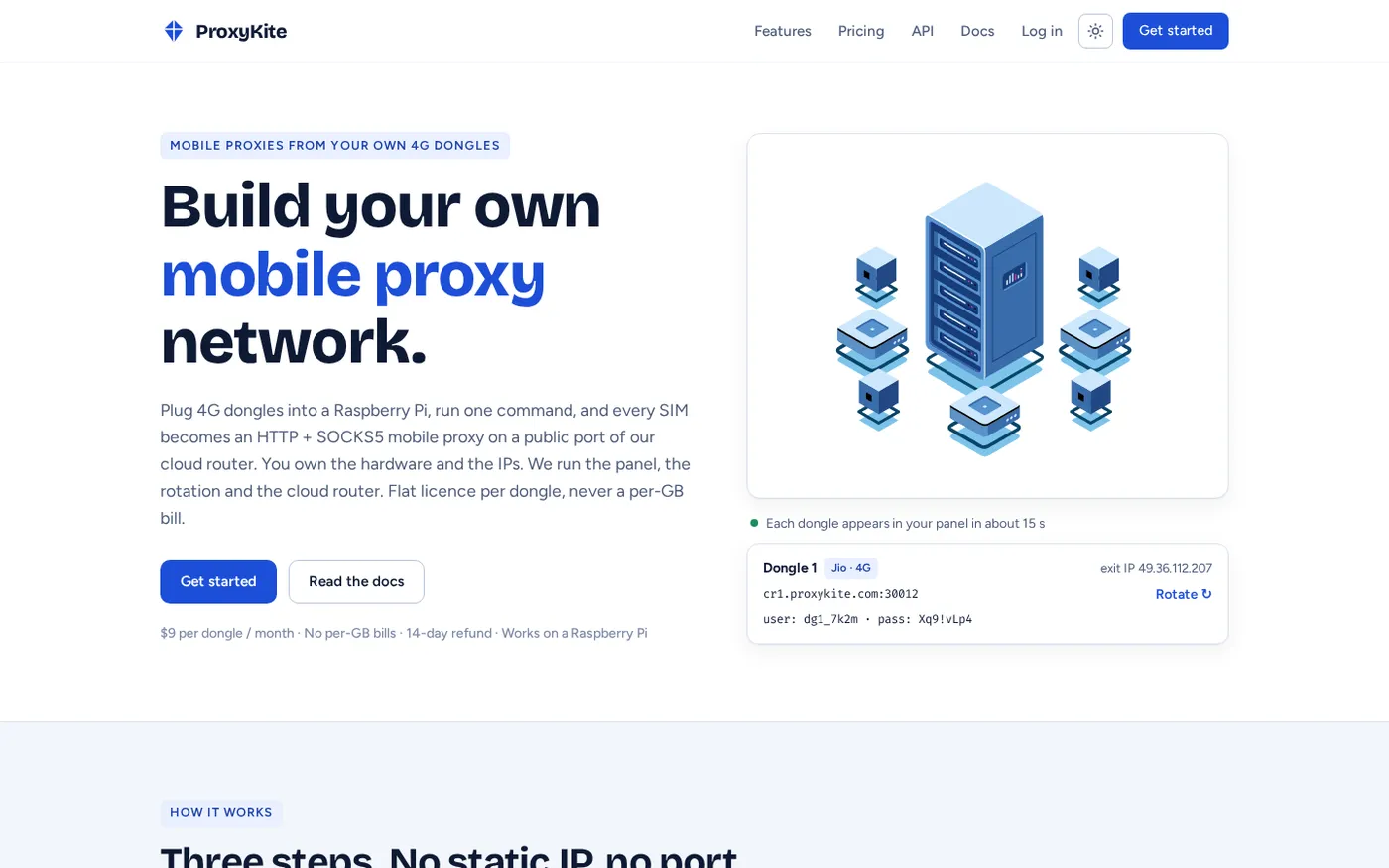
Option 1 (Winner): Raspberry Pi + HiLink dongles + ProxyKite
This is the recommended layout when your goal is a small proxy farm rather than a phone lab. You place the SIMs in the dongles, connect the dongles to a powered hub attached to a Raspberry Pi or Linux box, and install the software using the ProxyKite getting-started guide.
ProxyKite turns each active dongle into HTTP and SOCKS5 access with shared or split ports. You can use username-and-password or IP-whitelist authentication, set bandwidth limits, view live traffic, configure website allow/block rules, receive webhooks or Telegram alerts and export credentials in common formats. SIM inbox for carrier messages support is useful when a legitimate workflow needs to inspect messages arriving on the SIM.
The other advantage is operational scale. Sub-users, white-label controls, a REST API and customer-specific quotas let a reseller manage access without building a separate panel. The flat licence means your software budget is tied to active dongle slots rather than each customer’s traffic volume.
Choose this option if you care about repeatable hardware, central management, scheduled or on-demand rotation, resale, or a clean separation between the Linux host and the cellular modem. The customer-owned hardware and SIMs remain yours; ProxyKite provides the software and cloud routing layer.
For a complete hardware and network sequence, continue with How to build your own mobile proxy with 4G and Raspberry Pi. When the box is online, use the proxy-format guide to place an endpoint into your tool and verify that the connection is using the intended slot.
Option 2: a dedicated Android phone
An Android phone still makes sense in three cases. First, you already have one spare device and want to prove that a carrier connection, SIM and use case work. Second, your workflow needs a real phone operating system or app-level behavior, not only a cellular exit. Third, you need a temporary mobile node and accept that device-specific maintenance is part of the job.
Prepare the phone as an appliance: factory-reset or dedicate it, remove unnecessary apps, disable Wi-Fi for the proxy path, set a known screen-lock policy, connect a reliable charger and record the Android and app versions. Test after reboot and with the screen off. Do not rely on a setting you have not checked on that model.
This route is less attractive when you need many identical slots. You add a battery and a full operating system to every node, and each handset can expose different menus and background rules. It is also a poor substitute for a phone farm if you only need HTTP or SOCKS5 access: a proxy endpoint does not reproduce the device identity, app state or mobile UI of an actual phone.
How to choose for your workload
Use this checklist before buying hardware:
- One spare device and a short test: an Android phone is reasonable if the software supports it.
- Several cellular proxy slots: use HiLink dongles on a Pi with a powered hub.
- Resale or agency access: use the central controls, sub-users and white-label features of ProxyKite.
- Scripted IP changes: prefer a platform with a documented rotation link or API.
- Phone-app testing: keep a real Android device; a dongle proxy is a network component, not a device emulator.
- No inbound port forwarding: choose a cloud-routing setup that works with outbound connectivity behind CGNAT.
Whichever hardware you choose, verify three things before committing to a batch: the SIM plan permits your intended use, the cellular signal is strong where the device will live, and the proxy remains reachable through a full reboot and reconnect cycle.
FAQ
Is an Android phone better than a 4G dongle for a mobile proxy?
For one existing spare phone, it can be the quickest proof of concept. For a repeatable farm, a Huawei E3372 HiLink dongle on a Raspberry Pi is usually easier to standardise, power and manage centrally.
Can I use ProxyKite with an Android phone?
ProxyKite’s reference setup is Huawei E3372 HiLink dongles connected to a Raspberry Pi or Linux box. If you want to use phones, confirm compatibility with the exact ProxyKite workflow before buying a batch; the product is designed around customer-owned dongles, SIMs and data plans.
Does a 4G dongle change the IP faster than a phone?
The carrier controls the result, so hardware alone does not guarantee faster rotation. ProxyKite provides on-demand, link-based and timer rotation for supported dongle setups, while phone rotation depends on the handset and software.
Do I need a static IP or port forwarding for a dongle proxy farm?
No. The reference ProxyKite setup needs outbound internet from the Raspberry Pi or Linux box and uses cloud routing, so it can work behind CGNAT without a static public IP or inbound port forwarding.
Is a phone farm the same as a mobile proxy farm?
No. A mobile proxy farm provides network exits through cellular connections. A phone farm also provides physical Android devices, app state and device-level behavior, so choose it only when your legitimate workflow needs those additional properties.