
Proxies for brand protection let you inspect listings, ads and suspicious pages from the network path a real mobile visitor may use. The useful workflow is not about hiding your team; it is about comparing views, recording exactly what was delivered, and sending a complete evidence package to the right platform, registrar or adviser.
What brand protection teams monitor
Brand protection work starts with a list of places where customers can encounter your name, mark, product images or checkout flow. The World Intellectual Property Organization’s SME guidance says trademark owners are responsible for monitoring use of their marks and can consider a platform’s dispute process when they find unauthorised use.
Common monitoring targets include:
- Marketplace listings using your brand name, images or product descriptions.
- Unauthorised sellers, misleading discounts and listings that redirect buyers away from an approved shop.
- Paid ads that use your mark, impersonate your business or send clicks to a different domain.
- Lookalike domains, fake support pages and phishing forms that collect customer information.
- Social profiles, app-store pages and short links that borrow your identity.
- Region-specific pages where the product, price, seller or call to action changes by location.
Build the monitoring list around an observable signal, not just a keyword. A result containing your trademark may be legitimate commentary, a reseller you authorised, or a genuine infringement. The first pass finds candidates; review and evidence determine what should be reported.
| Signal | What to compare | Useful follow-up |
|---|---|---|
| Counterfeit listing | Seller, images, price, delivery market | Save the listing and seller profile, then check the platform’s reporting route |
| Brand-misuse ad | Ad copy, final URL, redirect chain | Capture the ad and destination from the intended market |
| Lookalike domain | Domain, title, logo, support details | Preserve the full URL and send it to the registrar, host or legal team |
| Phishing page | Login or payment request, domain, form action | Do not submit credentials; record the page and report the abuse |
Cloaking: why a datacenter IP can see a different page
An infringing page can make access decisions using IP range, geography, user agent, referrer, cookies, JavaScript signals or the order of requests. A datacenter request may receive a harmless landing page while a mobile visitor in the target market sees a product listing, redirect or fake login page. The reverse can also happen: a security service may receive a challenge or a blank response.
The word cloaking has several uses. Google defines cloaking in its Search policies as presenting different content to users and search engines to mislead or manipulate search results. Brand protection teams use the term more broadly for content that changes based on the visitor’s network or device. Keep those contexts separate in your report.
Do not label a target abusive because two requests differ once. A cookie, cached response, consent choice, localisation setting or normal experiment can explain a difference. Repeat the request with the same URL, headers and session rules, then keep the complete comparison.
The comparison should answer four questions:
- Did both requests reach the same URL and follow the same redirects?
- Did the response status, title, body or form action change?
- Was the only deliberate variable the network route or device context?
- Can another operator reproduce the result at a recorded time?
That is the difference between a useful finding and a screenshot with no provenance.
Mobile vs residential IPs for evidence capture
Choose the route that matches the customer experience you need to observe. A mobile proxy exits through a cellular data connection. A residential proxy generally represents a fixed-line consumer connection. A datacenter proxy is useful as a clean baseline, but it may be treated differently from a consumer or carrier route.
| Route type | Useful viewpoint | What it does not prove |
|---|---|---|
| Datacenter | Baseline, uptime checks and repeatable control requests | That mobile customers see the same content |
| Residential | Fixed-line household and regional comparisons | That a carrier-only page is visible |
| Mobile | Phone-first pages, carrier-targeted redirects and mobile ad checks | That every mobile customer receives the same response |
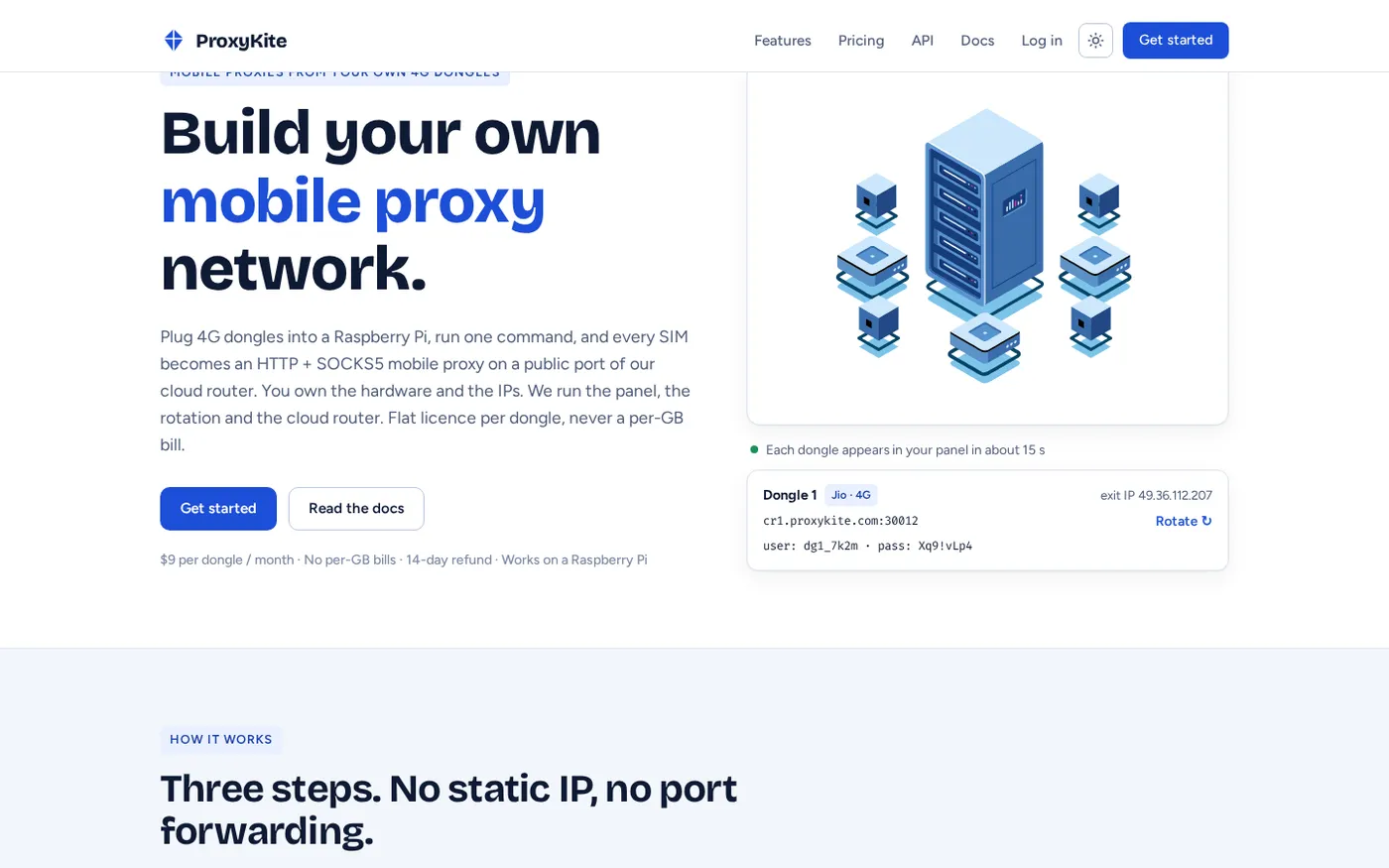
For an in-house mobile route, ProxyKite uses customer-owned 4G/LTE dongles and SIM data plans. A reference setup is a Huawei E3372 HiLink connected to a Raspberry Pi or Linux box. Each active dongle can expose HTTP and SOCKS5 access, with sticky routing for a multi-request check and controlled rotation between independent samples.
The route is still only one observation point. Carrier allocation, cookies, account state and the target’s own experiments can affect the result. Record the observed public IP, route identifier and session state so another person knows exactly what the sample represents.
What you need for a small in-house setup
You can start with one controlled route and add coverage after you understand the workload. Gather:
- A compatible 4G/LTE dongle, preferably the Huawei E3372 HiLink reference model.
- A Raspberry Pi or Linux box with outbound internet access.
- A powered USB hub when several dongles share one host.
- Your own SIM cards and data plans, used in accordance with carrier and local rules.
- A ProxyKite licence for each active dongle.
- A small evidence store with restricted access and a naming convention.
- A scope list containing authorised URLs, marketplaces, markets, frequency and escalation contacts.
The box does not need a static IP or an inbound open port. The cloud routing model uses the host’s outbound connection, which is useful when the mobile connection sits behind CGNAT. The 4G proxy farm setup guide covers power, hardware and software planning; the Raspberry Pi mobile proxy guide explains the broader build.
Step 1: Define the scope and test matrix
Why: A fixed matrix makes a difference reproducible and stops a legitimate listing from being mistaken for an infringement.
Create one row per test rather than one broad instruction such as “check the brand online”. Include the exact URL or search surface, the market, the device context, the route to use, the session policy and the allowed request frequency.
sample_id,target_url,market,route_id,session,frequency,owner,notes
BP-001,https://example.com/listing,US,mobile-01,sticky,weekly,team@example.com,approved test target
Use a datacenter baseline when you need a control. Use the mobile route when the question is specifically what a phone user or carrier-connected visitor sees. Do not log in to an account you do not own, submit payment details, or test a form that could send a message or create an order.
Success: Every sample has a target, a permitted purpose, a route, an operator and a schedule. A second operator can run the same row without guessing.
Step 2: Establish a baseline and record the route
Why: A response without a timestamp, public IP and URL is difficult to reproduce or explain later.
Export the authenticated proxy endpoint from your panel. Keep credentials out of screenshots, source control and shared chat. The following is a safe read-only smoke test against a placeholder URL that you are authorised to inspect:
export PROXY_URL='http://USER:PASS@HOST:PORT'

date -u +"%Y-%m-%dT%H:%M:%SZ"
curl --silent --show-error --fail --max-time 20 \
  --proxy "$PROXY_URL" \
  https://api.ipify.org

curl --silent --show-error --location --max-time 30 \
  --proxy "$PROXY_URL" \
  --dump-header BP-001.headers \
  --output BP-001.html \
  'https://example.com/listing'
Record the UTC timestamp, route or dongle ID, observed public IP, requested URL, final URL, status code, response headers and file names. For a browser-rendered target, save a screenshot as a separate file and note the browser version and viewport.
Success: The baseline produces a saved response and a log entry that identifies the route and time without exposing the proxy password.
Step 3: Run a sticky mobile comparison
Why: A redirect chain or page assembled from several requests should be observed from one route, otherwise the sample can mix two visitor contexts.
Select the mobile endpoint assigned to the test row and keep it sticky for the full check. Request the same URL, follow redirects, and preserve the same browser settings and cookies policy. If the target is dynamic, use a fresh private browser context for each comparison and do not carry an account session from an unrelated test.
For a second command-line sample, use the HTTP endpoint exported by ProxyKite:
curl --silent --show-error --location --max-time 30 \
  --proxy "$PROXY_URL" \
  --dump-header BP-001-mobile.headers \
  --output BP-001-mobile.html \
  'https://example.com/listing'
Compare the final URL, status, page title, visible offer, seller details, form actions and redirect locations. If the route supports SOCKS5 instead, use the protocol and port shown in the ProxyKite proxy formats guide; do not change the scheme by assumption.
Use rotation only between independent samples. ProxyKite supports on-demand rotation, a rotation link and timer settings from 60 seconds to 7 days, with a sticky option. A rotation request is not proof that the next request has a different address, so run the public-IP preflight again before classifying the new sample.
Success: The comparison shows whether the mobile view differs from the baseline, and the logs show which route handled every request in the redirect chain.
Step 4: Capture screenshots, timestamps and records
Why: The page may change after a report, so preserve enough context for a reviewer to understand what you saw and when.
For every material finding, save:
- A screenshot with the full browser address bar or a separate URL record.
- The UTC timestamp, local market and observed public IP.
- The initial URL, final URL, redirect chain and response status.
- The route ID, dongle ID, device context and session policy.
- Relevant headers, downloaded HTML or a PDF print where appropriate.
- A short neutral description of what appears to misuse the brand.
- The file hash and the name of the person or system that collected it.
Create a checksum manifest after the files are closed:
sha256sum BP-001* > BP-001.SHA256SUMSWIPO notes that screenshots, metadata and other digital records can be relevant in trademark disputes, but their usefulness depends on how they are collected, preserved and authenticated. Treat this guide as an operations pattern, not legal advice; ask counsel what your jurisdiction and reporting channel require.
Success: A reviewer can open the record, identify the exact page and route, verify the collection time, and see whether the file changed after capture.
Step 5: Repeat, classify and report
Why: One response can be a cache, experiment or localisation artefact; repeated controlled samples make the finding stronger.
Repeat the same test at a planned interval and, where authorised, from a second mobile route or market. Keep the URL, headers, session rules and browser settings constant. Change one variable at a time.
Classify the result before escalating it:
| Classification | Meaning | Next action |
|---|---|---|
| Confirmed difference | The controlled views repeatedly show different material | Send the evidence package to the platform or relevant response team |
| Likely difference | The result is suggestive but needs another sample | Repeat with a fresh session or second route |
| Unclear | Cookies, consent, login or a normal experiment may explain it | Record the uncertainty and do not make a definitive claim |
For a marketplace listing, use the platform’s IP or counterfeit reporting process. For a lookalike domain, preserve the domain and send the report to the registrar, hosting provider or your legal team as appropriate. For a phishing page on a generic top-level domain, ICANN’s DNS abuse complaint guide describes the evidence it expects, including screenshots with the full URL and proof that the registrar or registry was contacted first.
Success: Each finding has a confidence level, a preserved record, an owner and a next action. Your report distinguishes observation from the legal conclusion a qualified reviewer may later make.
Verify the workflow
Run this checklist before you add a finding to a takedown queue:
- The target and monitoring activity are authorised.
- The baseline and mobile request used the same URL and comparable session rules.
- The full URL, final URL and redirect chain are recorded.
- The route, public IP, timestamp and market are recorded.
- The screenshot shows the relevant content without exposing credentials or unrelated customer data.
- The page was captured more than once when the finding depends on a difference between views.
- The files are hashed and stored with restricted access.
- The report goes to the correct platform, registrar, host or internal response owner.
Troubleshooting
Both routes show the same page
That is a valid result. Check whether the target actually varies by network, market or device before adding another proxy. Also compare the response after a fresh browser context; a cached or consented page can hide a normal variation.
The page differs, but you cannot reproduce it
Check the timestamp, IP, cookies, referrer and user agent. A short-lived campaign, redirect, cache or regional experiment may have ended. Mark the record as unclear until a controlled repeat confirms it.
The public IP did not change after rotation
A mobile connection can receive the same public address again. Confirm that the rotation response completed, wait for the endpoint to become usable, run the IP preflight again, and record the result as unchanged rather than claiming a new identity.
The browser page is incomplete
First test the endpoint with curl. Then check that the browser is using the correct HTTP or SOCKS5 protocol, port and authentication method. If the page loads assets from separate hosts, keep the same route for the complete session and capture the main URL plus the relevant asset or redirect details.
The evidence contains private information
Stop sharing the file. Redact credentials, customer data and unrelated personal information in a working copy, preserve the original under restricted access, and ask your legal or security owner how to handle the material.
Cost of owning vs renting
The right comparison is the cost of a complete evidence workflow, not only the proxy line item. Renting a mobile endpoint can be convenient for occasional markets, while owning the connection gives your team control over the dongle, SIM data plan, route schedule and retention process.
ProxyKite’s software and cloud routing licence is US$9 per active dongle per month. There is no ProxyKite per-GB charge because traffic uses your own SIM data plan. For example, ten active dongles create a US$90 monthly licence before your own SIM, hardware, electricity, data and support costs. Billing is monthly through Paddle.com, with taxes added at checkout; the service also has a 14-day money-back guarantee.
| Cost area | Own mobile routes | Rented mobile access |
|---|---|---|
| Network hardware | You buy and operate the dongles, host and powered hub | Usually bundled into the provider’s service |
| Mobile data | Your SIM plans and carrier terms | Included or metered according to the supplier |
| Proxy software | Flat per active dongle with ProxyKite | Depends on the supplier’s plan |
| Evidence provenance | You control the route assignment and local records | You depend on the supplier’s logs and endpoint details |
| Scaling | Add hardware and licences as coverage grows | Add locations or traffic according to availability |
Owning makes sense when you already operate 4G hardware, need repeatable routes, or want to keep a fixed cost per active dongle. Renting can be a useful supplement when a market is outside your own coverage. In either model, confirm that the monitoring is authorised and that the provider’s use of addresses is lawful and transparent.
FAQ
Are mobile proxies useful for brand protection?
Yes, when the question is what a mobile visitor, carrier-connected user or phone-first page receives. Use a datacenter or residential route as a comparison point, and do not treat one mobile response as proof of what every customer sees.
Do I need a static IP for evidence capture?
No. You need a recorded route and a repeatable session policy. ProxyKite’s cloud routing works with outbound internet access from the Raspberry Pi or Linux box, so the box does not need a static IP or open inbound port.
Can I use rotating proxies for a single evidence sample?
Use a sticky route for the complete page, ad click or redirect chain. Rotate only between independent samples, then record the pre- and post-rotation public IP; a rotation request does not guarantee a different address.
Does ProxyKite provide the mobile IPs, dongles or SIM cards?
No. ProxyKite provides software and cloud routing. You provide the compatible dongles, SIM cards and mobile data plans; the licence is charged per active dongle.
Is a screenshot enough to report a phishing page?
Usually, a screenshot is only one part of a useful report. Include the full URL, timestamp, redirect context, observed route and any other evidence requested by the platform, registrar or response team, and do not submit credentials to the page.