
A coronium alternative makes sense when you want mobile proxy endpoints without renting every line from a provider. ProxyKite lets you use your own Huawei E3372 HiLink dongles and SIMs, then routes each connection through a public HTTP and SOCKS5 endpoint for US$9 per active dongle per month.
If you are comparing a rented dedicated port with an own-dongle farm, start with the ownership and billing model. The monthly number looks very different when you multiply it across 10 or 30 ports.
Quick comparison
This table uses the public Coronium USA starting price checked on October 23, 2026. The price shown was $139 per dedicated line for 30 days; country, carrier and stock change the final amount. ProxyKite’s price is its standard software and cloud-routing licence, while your SIM plan and hardware remain separate costs.
| Option | Monthly unit price | Who supplies the mobile line | Rotation and access | Best fit |
|---|---|---|---|---|
| ProxyKite | US$9 per active dongle | You supply the dongle, SIM and data plan | HTTP and SOCKS5, on-demand, link or timer rotation; cloud-routed | Operators building and reselling their own farm |
| Coronium dedicated line | From $139 per 30 days for the USA snapshot | Provider supplies a dedicated modem and SIM | HTTP/SOCKS5, with dashboard and API controls | Buyers who want a ready-made rented line |
| DIY proxy stack | Varies by hardware, SIMs, hosting and engineering time | You supply every layer | You build the proxy, tunnel, rotation and panel | Engineers who want to maintain the full stack |
The key distinction is not simply $9 versus $139. ProxyKite is software and cloud routing for mobile connections you own. Coronium is a rented dedicated mobile line. Use the first model when you already have hardware or want to build a farm; use the second when avoiding hardware is worth the higher recurring line price.
ProxyKite: the own-dongle Coronium alternative
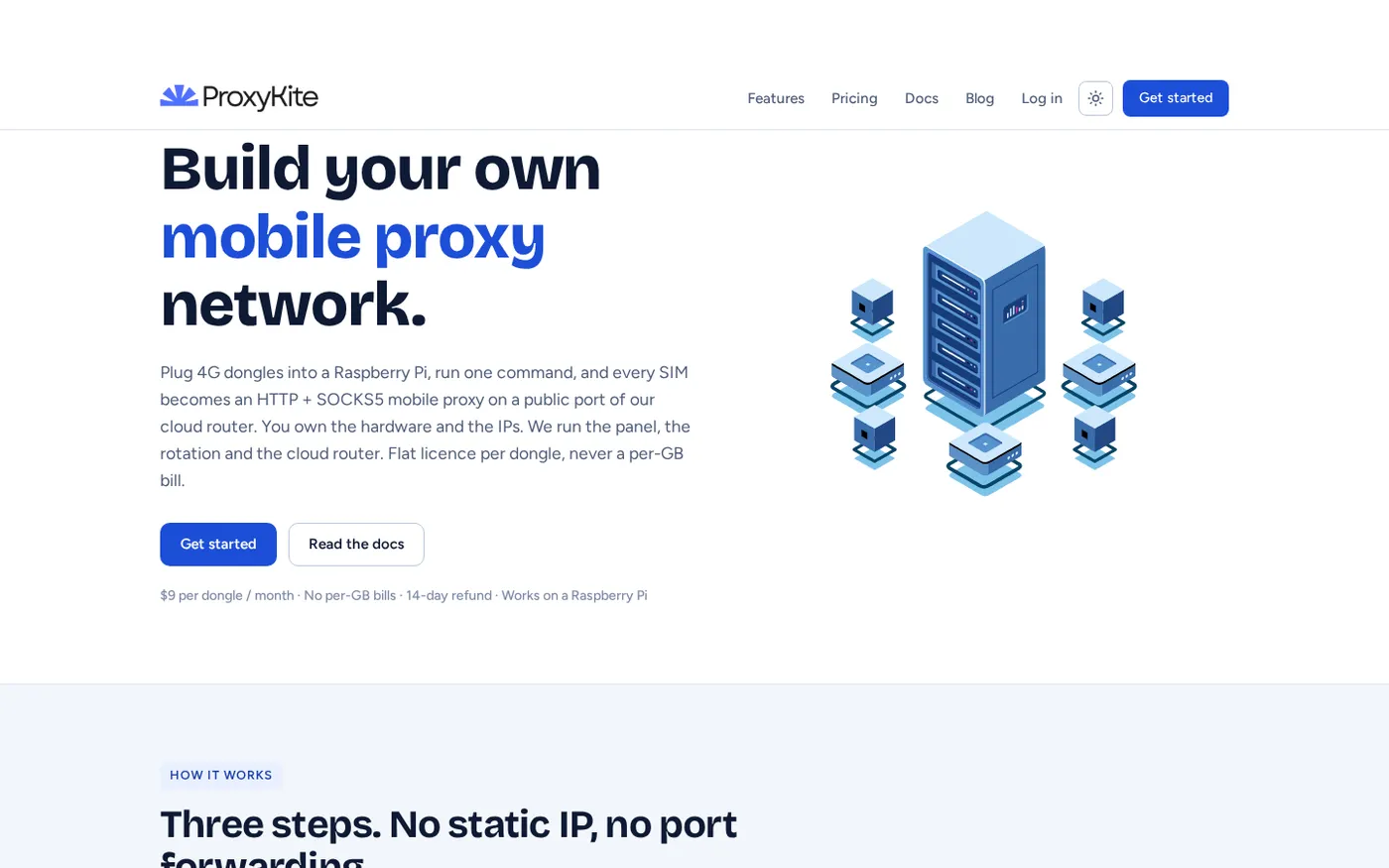
ProxyKite is built around a Huawei E3372 HiLink dongle connected to a Raspberry Pi or another Linux box. The SIM in each dongle supplies the mobile connection and IP. ProxyKite supplies the agent, cloud router, proxy access and operating controls around it.
Each active dongle costs US$9 per month, billed monthly by Paddle.com with taxes added at checkout. The plan includes a 14-day money-back guarantee, including within 14 days of a renewal. There is no ProxyKite per-GB charge, so the software line stays tied to the number of active devices rather than the number of requests or gigabytes transferred. Your carrier still charges for the data plan used by your SIM, so keep that cost in the farm budget.
The box only needs outbound internet access. It does not need a static public IP or an inbound port opened on the router, which makes the design useful when the mobile connection or uplink sits behind CGNAT. The CGNAT mobile proxy guide explains why a local listener is not automatically reachable from the public internet.
For client access, each dongle can provide HTTP and SOCKS5 connections through the cloud router. Use a shared port or split ports, then protect them with a username and password or an IP whitelist. Rotation can be started on demand, through a rotation link, or on a timer from 60 seconds to 7 days, with a sticky option for sessions that should keep the same address.
The model also suits resale. You can create sub-users, assign proxies, set daily, weekly or monthly limits, export credentials, use white-label controls, and connect the REST API, webhooks and Telegram alerts. SIM inbox for carrier messages, live traffic insights, website allow/block rules and a web terminal are part of the same operating toolkit.
Coronium: rented dedicated mobile lines
Coronium sells access to dedicated 4G/5G/LTE devices. Its public pricing page lists lines by country and carrier, with HTTP and SOCKS5 support and 30-day pricing. In the USA selection checked on October 23, 2026, the starting price was $139 per dedicated line for 30 days. The same page showed lower starting prices in some other locations, such as $97 for the UK and $99 for France, while availability varied by country.
That is a straightforward choice when you want to select a location, pay for a line and use a provider-managed device. You do not have to source a Huawei stick, activate a SIM, assemble a powered hub or run a local Linux box. You are renting the endpoint, however, so the device, SIM and mobile IP are part of the provider’s infrastructure rather than your inventory.
Coronium’s public page also describes dedicated devices, unmetered data on its listed lines, and API-based rotation controls. Those features are useful for a short project or for a market where you cannot easily source an appropriate SIM. They do not change the economics for a buyer who already owns a shelf of dongles and wants to turn those devices into a sellable farm.
The country and carrier selector is another important part of the decision. A rented service gives you access to locations in its catalogue. An own-dongle model gives you control of the SIMs you can lawfully source and operate, but it requires you to plan hardware and connectivity around those SIMs.
The cost of renting versus owning
For a simple comparison, use one USA dedicated-line starting price from the dated snapshot and multiply it by the number of ports. The table excludes taxes, hardware and SIM data on both sides so that it compares the recurring provider or software line only.
| Active ports | ProxyKite software | Coronium USA list-price baseline | Difference before hardware and SIMs |
|---|---|---|---|
| 1 | 1 × $9 = $9/month | 1 × $139 = $139/30 days | $130/month |
| 10 | 10 × $9 = $90/month | 10 × $139 = $1,390/30 days | $1,300/month |
| 30 | 30 × $9 = $270/month | 30 × $139 = $4,170/30 days | $3,900/month |
The Coronium column is a public starting-price baseline, not a quote for every country or carrier. It also does not include a volume discount that might be offered after contacting sales. Confirm the live location, carrier, stock and final checkout total before ordering.
The ProxyKite column is not a claim that a dongle farm has no other costs. Add the purchase price of the dongles, the Raspberry Pi or Linux host, powered USB hubs, SIM activation and mobile data plans. The benefit is that those are assets and operating inputs you can plan separately from the software licence. For a fuller hardware and recurring-cost model, see the 4G proxy farm cost guide.
For example, a 10-dongle farm has a standard ProxyKite software charge of $90 per month. If the same 10 endpoints were rented at the dated USA starting price, the provider-line baseline would be $1,390 every 30 days. That gap is why the own-dongle model becomes more interesting as your traffic, customer count and port count grow.
What you get for a working proxy farm
The monthly price matters only when the workflow around each port is usable. ProxyKite covers the main tasks between plugging in a dongle and assigning a proxy to a customer.
| Farm task | ProxyKite capability |
|---|---|
| Connect hardware | One-line install on a Raspberry Pi or Linux box; Huawei E3372 HiLink is the reference stick |
| Publish endpoints | HTTP and SOCKS5 through a cloud router, with shared or split ports |
| Protect access | Username/password authentication or IP whitelist |
| Change mobile IP | On-demand action, rotation link, or 60-second-to-7-day timer with sticky option |
| Control customers | Sub-users, assigned proxies, quotas and expiry dates |
| Operate at scale | REST API, exports, webhooks, Telegram alerts and live traffic insights |
| Use the SIM directly | SIM inbox for carrier messages controls, plus website allow/block rules |
This is different from buying a pool of addresses. ProxyKite does not sell IPs, SIMs, dongles, data plans or bandwidth. You own the physical mobile path and choose how to use it for legitimate work such as ad verification, price monitoring, QA, or social media management for your own or your clients’ accounts.
The resale layer is useful when your product is more than a single proxy. You can allocate a dongle to a customer, apply a quota, export the connection details in a format they understand, and keep the customer-facing panel under your own brand. If you are designing that business model, the white-label proxy panel guide covers the controls buyers tend to expect.
When renting still makes sense
An own-dongle platform is not the right answer for every project. Rent a dedicated line when the job is short, when the target country is unavailable to you, or when buying and operating hardware would distract from the work that creates value.
Renting can also fit a proof of concept that needs one specific geography for a few days. You pay for a ready-made endpoint, validate the workflow, and avoid committing to a local hardware layout before you know the demand.
The decision changes when the same ports are needed month after month. At that point, compare the recurring line price with the cost of sourcing your own dongles, SIMs, data plans and power. If you expect to add customers, include sub-users, quotas, rotation controls and white-label work in the comparison, not only the first port’s price.
Do not mix the two models in one spreadsheet row. A rented line includes provider-managed hardware and connectivity. ProxyKite’s $9 line covers software and cloud routing, while your farm supplies the mobile connection. Clear labels prevent an apparently cheap licence from being compared with an all-in rented service without accounting for the pieces on either side.
Switch from rented ports in an afternoon
Start with one or two dongles. A small pilot lets you check the SIM, signal, proxy format and rotation workflow before you add a powered hub and more devices.
- Prepare the inventory. Record each dongle model, SIM, data plan, physical USB port and intended use. The reference hardware is a Huawei E3372 HiLink, with similar HiLink models possible.
- Prepare the host. Use a Raspberry Pi or Linux box with outbound internet access. The official Raspberry Pi getting-started documentation covers the OS, networking and SSH basics. For several sticks, use a properly powered USB hub.
- Connect one dongle. Insert the SIM, connect the stick, and confirm its HiLink dashboard and mobile data connection. Keep labels consistent so the panel assignment matches the physical device.
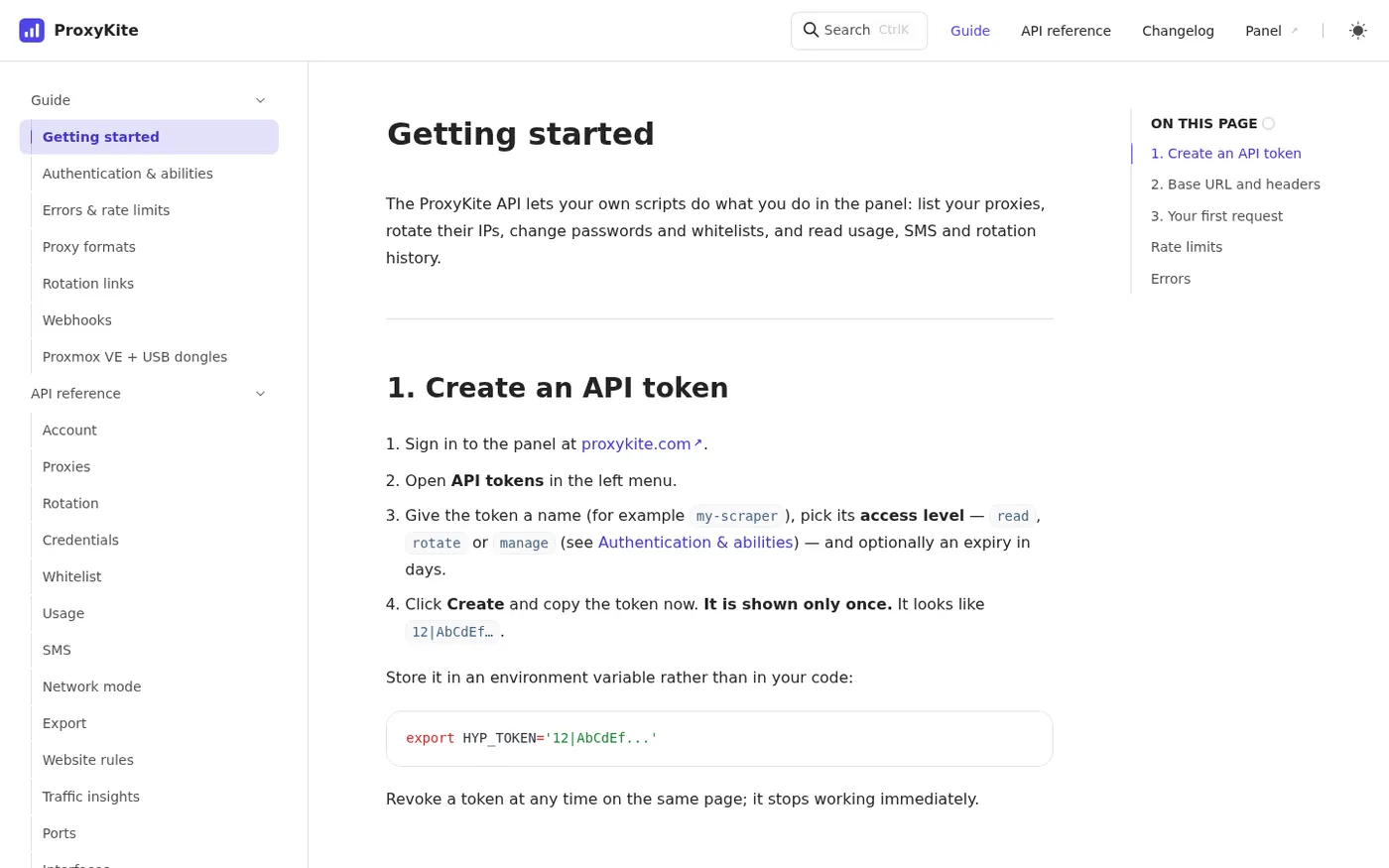
- Install the agent. Open the ProxyKite getting-started guide, copy the current account-specific install command, and run it on the host. Do not reuse a command or token from another account.
- Create access. Wait for the dongle to appear in the panel, then create an authenticated HTTP or SOCKS5 endpoint. The proxy formats guide shows the supported connection formats.
- Test from another network. Substitute your own values in these checks:
   curl -x 'http://USER:PASS@HOST:PORT' https://api.ipify.org
curl -x 'socks5h://USER:PASS@HOST:PORT' https://api.ipify.org- Add rotation and limits. Start with a sticky session or a conservative timer. Then create a rotation link and test it with the rotation-links guide. Add a user quota before assigning the endpoint to a customer.
Success looks like an authenticated public endpoint, traffic leaving through the intended SIM, and a rotation action that targets the correct dongle. Once the pilot is clean, add devices in small batches and keep a record of every SIM and USB position.
How to choose your Coronium alternative
Choose ProxyKite when you want to own the dongles, SIMs and mobile IPs, need a predictable software charge as traffic grows, or plan to resell the resulting endpoints. The combination of cloud routing, HTTP/SOCKS5, rotation, authentication, quotas, SMS, API access and white-label controls is designed for an operator rather than a one-off proxy checkout.
Choose a rented dedicated service when you need a ready-made line for a short task, need a geography you cannot source, or do not want to operate physical hardware. Choose a DIY stack when maintaining your own proxy daemon, public tunnel, rotation service, customer database and billing system is part of the product.
For the core buyer described here, ProxyKite is the practical Coronium alternative: the licence is $9 per active dongle per month, the traffic charge from ProxyKite is zero, and the mobile connections remain yours to operate. At 50 or more dongles, contact ProxyKite for volume pricing rather than assuming the public single-dongle rate is the final quote.
FAQ
What is the best Coronium alternative for an own-dongle farm?
ProxyKite is built for Huawei HiLink dongles and Raspberry Pi or Linux hosts. It adds cloud-routed HTTP and SOCKS5 endpoints, rotation, authentication, quotas and resale controls for a flat US$9 per active dongle per month.
Is ProxyKite a mobile proxy provider like Coronium?
No. ProxyKite provides software and cloud routing. You provide the dongles, SIMs and data plans, and the mobile IP comes from your own connection.
How much does a Coronium dedicated mobile proxy cost?
On the public page checked October 23, 2026, the USA starting price was $139 per dedicated line for 30 days. Coronium prices vary by country, carrier, stock and billing period, so verify the current selection before buying.
Does ProxyKite charge per GB?
No ProxyKite per-GB charge is added. The standard software price is US$9 per active dongle per month; your SIM provider can still charge for the mobile data used by the dongle.
Can I resell proxies built with ProxyKite?
Yes. Sub-users, assigned proxies, quotas, expiry dates, exports, white-label controls, webhooks and REST API access are included. Fleets of 50 or more dongles can request volume pricing through the contact page.